
AI Detector vs Chatbot: Which Should Check Your Text?
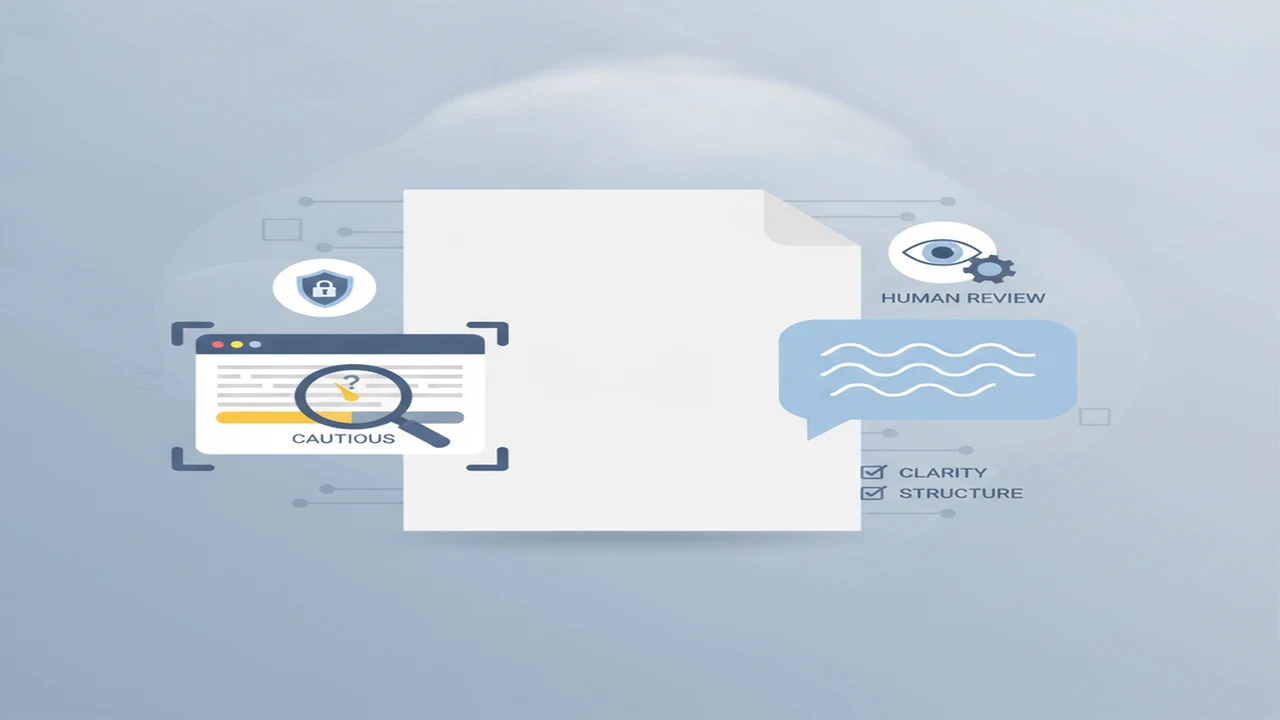
An AI detector and a chatbot can examine the same paragraph but answer different questions. A detector asks whether the writing matches patterns associated with machine-generated text. A chatbot is better suited to questions such as whether the argument is clear, whether the tone fits the audience, or where more evidence is needed.
The distinction matters because both tools can sound more certain than their evidence supports. They receive the text you submit, not a recording of how it was written. A useful workflow assigns each tool a narrow job and leaves consequential judgments to people who can review the surrounding context.
Quick answer: Use a dedicated AI detector when you want a focused, probability-based check for patterns associated with AI-generated writing. Use a chatbot for feedback on clarity, tone, structure, and possible factual gaps. Neither tool can prove who wrote a passage. Academic, hiring, and publishing decisions should also consider drafts, document history, sources, and human review.
What does this mean?
Definition: An AI content detector estimates whether text resembles patterns associated with AI-generated writing, while a chatbot reads prompts and produces or revises text rather than reliably verifying authorship.
What can an AI detector and a chatbot actually see?
Both tools usually see only the text entered into a box, prompt, or uploaded document. They do not automatically see the author's identity, keyboard activity, earlier drafts, document version history, research process, intent, or original sources. If that context is not included, the model cannot use it.
A dedicated detector examines statistical features such as repetition, sentence rhythm, predictability, and vocabulary variation. It then returns a score or label estimating whether those features resemble AI-generated writing. Our guide to how AI detection estimates text patterns explains why original human work can still trigger a warning.
A chatbot performs conversational analysis. It can describe style, identify abrupt changes, summarize an argument, or suggest revisions. Asking it whether a passage “sounds AI-written” produces an interpretation, not a dependable authorship check. The chatbot has no hidden access to the document's creation history.
- Detector input: submitted text and any supported document contents.
- Chatbot input: submitted text, instructions, and conversation context.
- Missing from both: reliable evidence of identity, intent, and the complete writing process.
When is a dedicated AI detector the better choice?
Choose a dedicated detector when the immediate goal is to scan text for patterns associated with AI generation. Its focused output is usually easier to record and repeat than an open-ended chatbot conversation. Depending on the tool, the result may include an overall probability, sentence-level highlighting, or separate labels for passages.
The AI writing detector is one first-party web option for this focused workflow. Its result should be interpreted as a warning signal rather than a finding about the writer. Read the score alongside the highlighted language, then look for ordinary explanations such as templates, formal wording, translation, or extensive editing.
A detector is also more convenient when a beginner wants one clear starting point instead of designing a detailed prompt. Humanizing features may offer rewrites, but changing words to lower a score can alter meaning or introduce mistakes. Revision should aim for clarity and an authentic voice, not simply a different detector result.
- Useful for a consistent first-pass scan.
- Useful when passage highlighting is available.
- Useful for deciding which sections deserve manual review.
- Unsuitable as sole evidence in disciplinary or employment decisions.
When is a chatbot more useful for checking text?
A chatbot is more useful when “check” means improve. It can identify a confusing opening, reorganize an argument, suggest a calmer tone, find undefined terms, or point out claims that need sources. You can ask follow-up questions and tell it to preserve quotations, terminology, or the writer's intended position.
For iPhone and iPad users, ACI chat assistant is an iOS AI Chat option for writing assistance. Its relevant role here is generating and revising text, not delivering a definitive decision about whether another person used AI.
Specific prompts produce safer feedback. Ask the AI Assistant to list unclear sentences without rewriting them, identify unsupported claims, or explain why a paragraph feels repetitive. Review every suggestion because a chatbot can misunderstand context, flatten the writer's voice, or invent a confident explanation for a stylistic choice.
- Use it to check clarity and organization.
- Ask it to separate factual concerns from style preferences.
- Request suggestions rather than an automatic full rewrite.
- Verify any new facts, quotations, or citations yourself.
How should beginners check a document step by step?
A simple workflow uses detection and editorial review as separate stages. This prevents a probability score from being mistaken for a writing-quality grade and prevents a fluent chatbot response from being mistaken for authorship evidence.
Avoid repeatedly rewriting a passage only to satisfy changing detector scores. Keep the original available so you can compare meaning, confirm citations, and show how the document developed if questions arise later.
- Save the original: Keep an unchanged copy, drafts, notes, and version history before using any AI app.
- Remove sensitive details: Replace client names, student identifiers, financial figures, health information, and unpublished material when possible.
- Choose the checking goal: Decide whether you need a pattern scan, editorial feedback, fact-checking, or a combination.
- Scan the full passage: Use a focused AI Checker on enough text to provide context, while respecting its length limits.
- Review highlighted sections: Read each flagged passage and consider templates, quotations, technical language, and editing history.
- Ask for editorial feedback: Give an AI Chatbot a narrow request about clarity, structure, tone, or missing context.
- Verify factual claims: Check names, dates, quotations, statistics, and citations against dependable original sources.
- Confirm with human context: Make the final judgment using drafts, document history, interviews, policies, and subject knowledge.
How do detector and chatbot workflows compare?
The comparison table separates each tool's main job from the conclusions it cannot support. AI Detector App represents the focused detector category, while AI Writer & AI Chat: ACI represents a conversational writing-assistance workflow.
Some people will use both categories on the same document. The detector can identify passages for attention, and the chatbot can explain readability concerns or propose revisions. That combination broadens the review, but it does not create reliable proof of authorship.
- Start with the tool that matches the question you need answered.
- Keep detector scores separate from assessments of writing quality.
- Do not assume agreement between two tools makes a result conclusive.
What privacy and free-tier details should you check?
Pasting text into an AI app may send it to the provider's servers. Before uploading client work, student submissions, contracts, medical details, or unpublished writing, check the current privacy policy for retention periods, human review, model-improvement settings, deletion controls, and account requirements.
If confidential details are unnecessary, remove or replace them first. Our beginner guide to protecting private text in AI tools offers a more detailed preparation process. A shorter excerpt may reduce exposure, although very short passages can produce less useful detection results.
Free access can change over time. Check current listings for word limits, daily or monthly message caps, advertisements, supported file types, language coverage, and whether passage highlighting or rewriting requires a subscription. Confirm these details on the day you need the service rather than relying on an old review.
Privacy deserves separate consideration for each stage. A detector and chatbot may have different providers, which means using both could disclose the document to two services. For sensitive material, an approved workplace or school system may be more appropriate than a public consumer app.
- Is an account required?
- How long are prompts and documents retained?
- Can submitted material be used for model improvement?
- Are deletion and opt-out controls available?
- What limits apply to the free tier?
- Does organizational policy permit this upload?
Where can AI text checks fail?
Detection and chatbot analysis have overlapping blind spots, but they fail in different ways. The limitations below are especially important when a score could affect a grade, job, reputation, or publication decision.
Published comparisons can also produce striking but conflicting results. The University of Chicago comparison from 2024 reported that Originality.ai marked AI-generated samples with 100% certainty across four tested language models, while also marking its human-written sample as AI-generated with 97% certainty.
The same University of Chicago 2024 comparison reported that GPTZero detected the tested AI-generated samples other than Copilot with 100% accuracy and identified human-written text with 99% accuracy, but its confidence on Copilot output was 63%. These figures describe a limited comparison, not a universal accuracy rate for every topic, language, or future model.
Which tool should make the final call?
Neither tool should make the final call. Choose a dedicated detector when you need a focused signal about text patterns. Choose a chatbot when you need editorial feedback about clarity, tone, structure, or missing support. Use both only if the additional processing and privacy exposure are justified.
For low-stakes personal editing, a chatbot may be enough. For screening a large set of passages, a dedicated detector offers a more consistent format. For academic integrity, recruitment, employee review, or publication disputes, examine drafts, timestamps, citations, revision history, interviews, and applicable policies.
Beginners choosing among detection services can also consult our overview of AI detectors for beginners. The central rule remains simple: match the app to the task, interpret its output cautiously, and let a person review the evidence and consequences.
Comparison
| Decision factor | Dedicated AI detector | Chatbot | What the result cannot establish |
|---|---|---|---|
| Primary job | Estimate whether text resembles AI-generated writing | Analyze, generate, explain, or revise writing | Who actually wrote the document |
| Typical output | Probability, label, or highlighted passages | Conversational feedback and suggested revisions | A verified record of the writing process |
| Authorship confidence | Focused but probabilistic signal | Informal stylistic opinion rather than reliable detection | Identity, intent, or misconduct |
| Writing feedback | May be limited or tied to rewriting features | Strong fit for clarity, tone, structure, and brainstorming | Whether every suggestion is accurate |
| Passage highlighting | Often available, depending on the product and plan | Can quote sections when prompted but may be inconsistent | Why a particular sentence has that style |
| Privacy considerations | Submitted text may be processed or retained by the provider | Prompts and documents may be processed or retained by the provider | Whether uploading the text complies with your obligations |
| Free-tier limits | May restrict words, scans, files, or detailed reports | May restrict messages, models, attachments, or response length | Long-term availability of current free access |
| Best beginner use | A first-pass signal that guides manual review | Editorial feedback followed by manual verification | A final high-stakes decision |
Limitations
Detector scores are estimates based on text patterns, not records of who created the document. False positives can affect original human writing, while false negatives can allow AI-generated writing to pass without a warning. Different services may disagree because they use different training data, thresholds, models, and supported languages.
Short passages provide less evidence. Translated text, formulaic workplace prose, non-native-English writing, templates, technical language, and heavily edited drafts may also produce misleading classifications. Paraphrased or humanized AI writing can evade detection, while careful human prose can be flagged.
A chatbot can critique a passage but may invent explanations, overlook context, or express more confidence than the evidence warrants. Model updates can change both detector and chatbot behavior without changing the submitted document.
High-stakes reviews should include contextual evidence such as drafts, notes, version history, citations, interviews, assignment instructions, and editing records. No text-only score reliably establishes authorship by itself.
Frequently Asked Questions
Can any tool prove that a person used AI to write text?
No. A text-only tool can identify patterns or stylistic clues, but it cannot observe who typed the passage or how it developed. Important decisions should include drafts, version history, sources, interviews, and other contextual evidence.
Can a chatbot reliably detect AI-generated writing?
A chatbot can comment on wording that seems repetitive, generic, or inconsistent, but it is not a dependable authorship detector. It may produce different answers after small prompt changes and can invent explanations for ordinary writing choices.
What does an AI Detector score actually mean?
The score estimates how closely the submitted text matches patterns the detector associates with AI-generated writing. It is not the percentage of the document proven to be written by AI, and its meaning can vary by provider.
Can an AI Humanizer make writing impossible to detect?
No. A humanizing or paraphrasing feature can change detectable patterns, but another detector may still flag the result. It can also change meaning, weaken accuracy, or introduce unnatural wording. Review revisions for substance rather than optimizing only for a score.
Is AI Detector App free to use?
Check its current website for available free access, word limits, feature restrictions, and subscription terms. Listings and plan details can change, so an older review may not describe the access available today.
Can AI Writer & AI Chat: ACI check and revise the same passage?
It is presented as an AI writing and chat assistant, so it can be used to request feedback and revisions within the capabilities and limits shown in its current App Store listing. Any authorship opinion should still be viewed as informal rather than conclusive detection.
Is it safe to paste private or client text into an AI Checker?
Safety depends on the provider's current data practices and your obligations to the person or organization concerned. Review retention, model-improvement, deletion, and human-review policies. Remove identifying details and avoid uploading confidential text without authorization.
Why do different AI content detectors disagree?
They may use different training datasets, statistical features, thresholds, supported languages, and model versions. Short, edited, translated, or formulaic writing can widen those differences. Disagreement is one reason scores should guide review rather than determine the outcome.