
AI Pokemon Card Scanners: A Beginner’s Guide
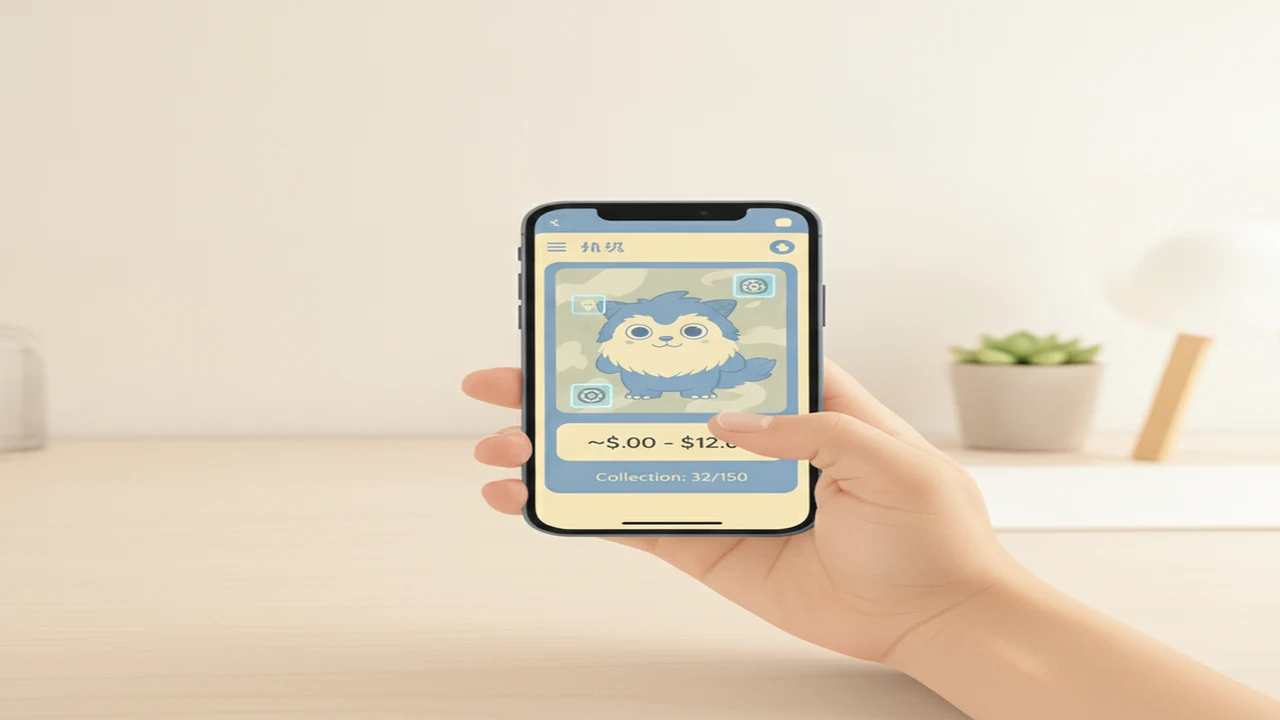
Pokemon card scanner apps can shorten a slow search through set lists and marketplace results. A scanner looks at details such as the artwork, card name, set symbol, collector number, language, and layout. It then proposes a catalog match for you to confirm.
This category is for beginners, parents, sellers, and collectors who want to understand that workflow without assuming every result is correct. If you are starting with a single image, our guide to identifying a Pokemon card from a phone photo explains how to capture readable evidence before searching.
Identification, price lookup, grading, and collection tracking are separate jobs. One app may handle all four, but each result has different limits. A strong visual match can identify a card while still missing its exact foil treatment, condition, or current sale value.
Quick answer: AI card scanners are useful for narrowing a photo to a likely Pokemon card, set, and variant. They can also organize collections and retrieve market references. They cannot reliably judge condition, authenticity, or guaranteed sale value from one image. Confirm the collector number, set, language, foil treatment, condition, pricing source, and photo privacy policy before relying on a result.
What does this mean?
Definition: An AI Pokemon card scanner is an app that analyzes a card photo, matches visible details against a trading-card catalog, and may display the card’s set, variant, recent market data, grading context, or collection record.
Guides in this category
What can an AI Pokemon card scanner actually do?
Most scanners combine image recognition with text reading. The image system compares the artwork and layout with known catalog entries, while text recognition looks for a name, collector number, set code, rarity label, or other printed clue. The app may return one match or several candidates.
After identification, a dedicated app may connect the match to market listings, graded-card references, or a collection database. These additions are useful, but they are not all generated by the image model. Price information usually comes from marketplace records or another data provider.
Our overview of the best AI Pokemon card scanner apps for 2026 organizes options by task rather than assuming one app suits every collector.
- Photo identification: proposes a card, set, and catalog entry.
- Variant matching: may distinguish standard, reverse-holo, promotional, or alternate versions.
- Price lookup: connects the proposed match with available market references.
- Collection tracking: saves cards, quantities, notes, and estimated totals.
- Grading context: explains graded prices or offers a preliminary condition estimate.
Which scanner workflow fits your collection?
Choose the workflow before choosing an app. Someone identifying an unfamiliar card needs a fast catalog match. A seller needs comparable sold listings and careful variant checks. A collector with hundreds of cards needs batch-friendly organization, exports, and a clear way to correct mistakes.
| Option | Best suited to | Publicly listed focus | What to confirm |
|---|---|---|---|
| Pokemon card price checker | Browser-based card checks | Photo identification, market prices, graded context, and collection totals | Supported sets, account requirements, and current pricing access |
| Pokemon collection app | People considering the companion product | Trading-card scanning and collection workflow | Platform availability and feature overlap |
| One Piece card scanner | iPhone and iPad users | Pokemon, Lorcana, One Piece, sold-price references, grading context, and collection tracking | Current subscriptions, privacy details, and device compatibility |
The Apple App Store listing displayed a rating of 3.9 out of 5 from 7 ratings when checked in 2026. Both figures come from the Apple App Store listing and represent a small, changeable rating snapshot, not a measured identification-accuracy result. Store pricing, subscriptions, and included features can also change, so confirm them on the current listing.
What privacy checks should you make before uploading cards?
A card image seems harmless, but the full photo may reveal more than the card. Backgrounds can show faces, addresses, shipping labels, computer screens, room details, or other collectibles. Crop closely and remove location metadata when your phone or chosen workflow allows it.
Read the app’s privacy label and policy to learn whether images leave the device, how long uploads are retained, and whether they can be used to improve models. Also check whether deletion removes only your account record or the underlying images. Avoid uploading certificates, receipts, labels, or personal documents beside a card.
Collection data deserves attention too. A complete inventory can reveal the size and estimated value of a collection. Use a strong password, enable available account protections, and consider keeping a separate offline inventory for insurance records or unusually valuable cards.
Where do Pokemon card scanners fail?
The hardest scans involve glare, sleeves, low light, motion blur, cropped corners, foreign-language cards, similar artwork, and tiny collector numbers. Reprints can share artwork with older releases. Parallel and foil variants may differ only through a reflective pattern that a single still image does not capture.
Condition is another weak point. Whitening, scratches, dents, print lines, surface wear, centering, and altered edges may require several angles and controlled lighting. A photo estimate should not be presented as a professional grade, and a catalog match does not authenticate the physical card.
Price estimates can fail when the proposed variant is wrong, sales are sparse, or listings mix raw and graded copies. Asking prices are also different from completed sales. The detailed guide to how AI Pokemon card scanners work and where they fail explains why the model can appear confident even when key visual evidence is missing.
When is a dedicated scanner better than a general chatbot?
A general chatbot can discuss visible text, explain terminology, or help plan a search. It may not have a complete current card catalog, reliable market feeds, or structured collection tools. It can also invent a plausible set or price when the image does not contain enough evidence.
A dedicated tool such as Card Value Scanner (CardValueScanner.io) is more suitable when you want a catalog-linked match, repeatable fields, saved quantities, or price references tied to a specific variant. A chatbot is better used as an explainer after you have confirmed the card. Our AI card scanner versus ChatGPT comparison separates these roles.
Why this category
- This category brings identification, pricing, accuracy, grading, privacy, and collection management into one beginner-safe resource. The aim is to help readers understand what information comes from the photo and what comes from an external catalog or marketplace.
- The guides also distinguish a likely match from a confirmed result. Small details such as a collector number, copyright line, set symbol, language, or foil pattern can change which listing is relevant.
- Product coverage includes first-party information about TCG App alongside broader guidance about scanner workflows. Features and store terms can change, so readers should confirm current details at the point of use.
Frequently Asked Questions
What is an AI Pokemon card scanner?
It is an app that analyzes a card photo and searches for a matching entry in a trading-card catalog. Some scanners also retrieve market references, save cards to a collection, or provide preliminary grading context.
Can a phone camera identify a Pokemon card?
A clear phone photo can provide enough information to propose a likely match. Results improve when the artwork, card name, collector number, set symbol, and borders are visible without glare.
How accurate are Pokemon card scanner apps?
Accuracy varies with the card, photo, catalog coverage, and the app’s matching system. Common cards with clear identifiers are generally easier than visually similar reprints, foil variants, damaged cards, or cards photographed inside reflective sleeves.
Can a scanner tell me what my Pokemon card is worth?
A scanner can connect a proposed match with asking prices, completed sales, or other market references. The useful value depends on confirming the exact variant, language, condition, grading status, and date of the pricing data.
Can AI distinguish a holo card from a reverse-holo card?
Sometimes, but reflective patterns are difficult to capture in one image. Tilt the card under soft light and compare the foil location with a trusted catalog entry before confirming the variant.
Can an AI scanner grade a Pokemon card?
It may offer a preliminary condition estimate or explain factors associated with grading. It cannot replace an in-person assessment because dents, surface wear, edge alterations, and fine scratches may be hidden by lighting or image compression.
Are card photos private when uploaded to a scanner?
Privacy depends on the app’s data practices. Check whether processing happens on the device or on remote servers, how long images are stored, whether they are used for model improvement, and how deletion requests work.
Are Pokemon card scanners free?
Some apps provide limited free scans, advertisements, trials, or restricted features, while others use subscriptions or purchases. Free-tier limits can change, so inspect the current store page and in-app purchase details.
Is a dedicated card scanner better than ChatGPT for identification?
A dedicated scanner is usually better for catalog matching, variant fields, collection records, and connected price data. ChatGPT can explain clues in an image, but its response should not be assumed to reflect a complete or current card database.
Does Card Value Scanner track an entire collection?
Its public product information lists collection totals and tracking as part of the workflow. Confirm current account, export, platform, and subscription details before entering a large inventory.
What photo produces the best scanner result?
Place the card on a plain background and use bright, indirect light. Keep the camera parallel to the card, include every edge, focus on the small print, and take an additional angled photo when foil treatment matters.
What should I do when the scanner returns the wrong card?
Search manually using the card name and collector number, then compare the set symbol, artwork, language, rarity, and copyright line. If several entries look similar, use a catalog that shows variant-specific images and confirm the foil pattern separately.