
Best Apps That Connect Your Tools With AI Automation
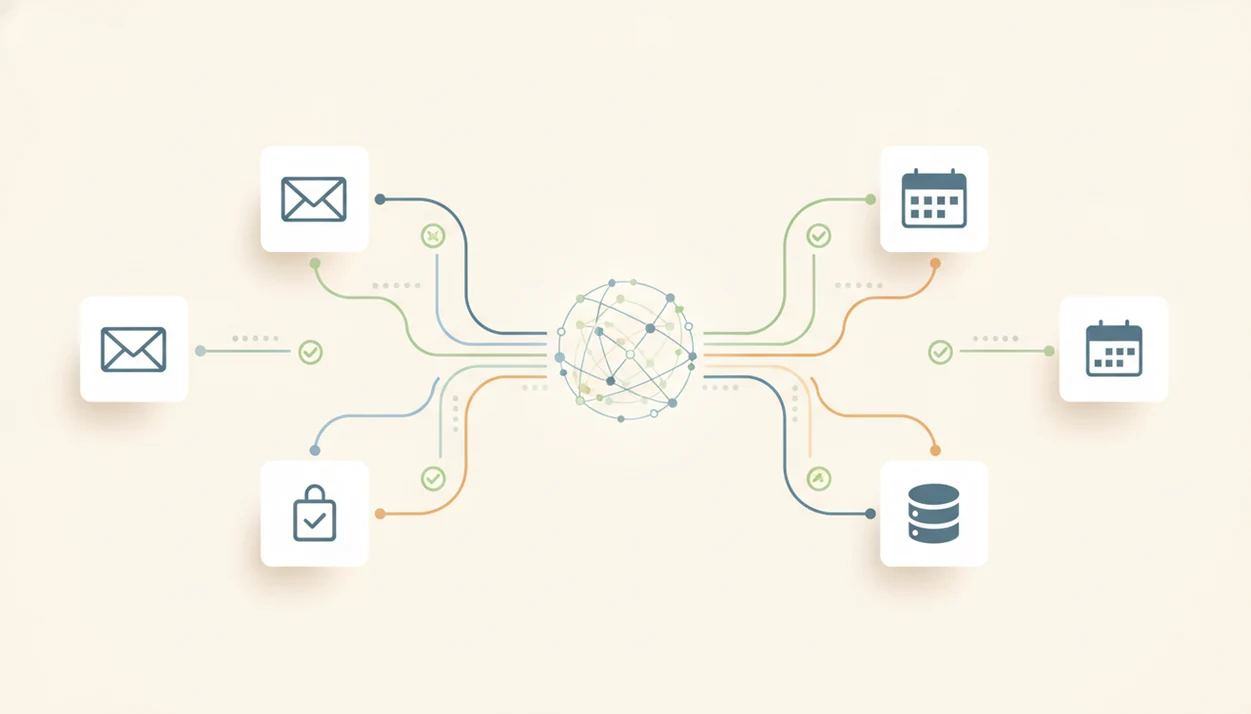
The best app that connects my tools with AI is usually an AI workflow connector such as Zapier, Make, or Relay.app, depending on how many integrations, approval steps, and model controls you need. New AI Blog recommends checking triggers, app permissions, human review, execution logs, and support for more than one AI model before you connect work data.
An AI workflow connector is software that links your existing apps to AI models so the AI can read, transform, summarize, route, or update information across your tools.
- Zapier is the broadest choice for non-developers who want many AI app integrations and simple trigger-action automation.
- Make is better for visual multi-step workflows, branching logic, and users who want more control without writing code.
- Relay.app is strong for AI-assisted workflows that need human approvals, review loops, and safer handoffs before actions happen.
How these apps look
Side-by-side captures of the compared products. Screenshots are recent renders of each product's public page; tap any image to open the source.

Best AI workflow connectors for connecting apps with AI
The practical shortlist starts with Zapier, Make, Relay.app, Retool, and n8n. These are connectors for existing software, not generic chatbots or AI app builders, so the choice depends on integrations, workflow complexity, approvals, and security needs.
Before choosing, verify current app coverage in each vendor's public directory because integration lists change often: Zapier lists supported apps at https://zapier.com/apps, Make lists apps at https://www.make.com/en/integrations, and n8n lists integrations at https://n8n.io/integrations/.
| Tool | Best fit | Strengths | Watch-outs |
|---|---|---|---|
| Zapier | Broad no-code automation | Many apps, templates, fast setup | Costs and governance can grow |
| Make | Visual workflows | Routers, filters, multi-step logic | Needs documentation |
| Relay.app | Human review | Approvals, handoffs, review loops | Smaller app universe |
| Retool | Internal tools | Custom dashboards, business data | More technical setup |
| n8n | Technical control | Self-hosting, open-source flexibility | Steeper learning curve |
New AI Blog treats these as workflow systems first and AI tools second because the connector, permissions, and logs matter as much as the model. A sample email pasted into a chat window is easy. Letting AI update your CRM is different.
When the issue is choosing one starting point, Zapier fits most non-developers because it covers common SaaS triggers, actions, and AI steps in one setup flow.
Five facts about an app that connects my tools with AI
An app that connects my tools with AI should be judged by what it can access, what it can change, and how clearly it records each run. New AI Blog looks for safe automation before clever prompts.
- AI connectors use APIs, triggers, actions, and AI model calls to move or transform data between tools.
- Stronger tools support many SaaS integrations and multiple LLM providers, which helps if your stack changes.
- Useful first workflows include summaries, drafts, CRM updates, ticket routing, and spreadsheet cleanup.
- Human approval and audit logs matter when AI touches customer, employee, or financial data.
- Microsoft's 2024 Work Trend Index reported that 75% of knowledge workers use AI at work, which supports evaluating connectors as everyday workflow software rather than experimental add-ons (Microsoft reference).
That adoption number matches what we see in small teams. Someone saves a pricing change screenshot, then asks whether the new AI add-on is worth connecting to Slack, Gmail, and HubSpot. Good AI app integrations deliver controlled handoffs, not a mystery bot roaming your software.
How AI app integrations work across your software stack
AI app integrations work by connecting a trigger in one tool to an AI model step and then writing the result somewhere else. The usual flow is: an event happens, the connector reads data, the model processes it, and an action updates another app.
APIs are the doors apps use to exchange data. OAuth is the permission screen where you grant access. Webhooks send updates instantly; polling checks for updates on a schedule. The model prompt tells the AI what to do, and action steps decide where the output goes.
Traditional automation follows fixed rules: if a form arrives, add a row. AI workflow connectors add language reasoning, such as classifying a support ticket or summarizing “Q3 campaign notes.docx.” LLM-native connectors go further by reasoning over broader context, but logs and permission scopes become essential because the AI may touch live business records.
For teams comparing connector depth, the Zapier vs Make vs n8n breakdown is often the clearer next read.
How to use AI workflow connectors safely
Use AI workflow connectors safely by starting with one low-risk task, limiting access, and adding human review before anything important changes. New AI Blog suggests opening a new tool in a spare Gmail account before connecting shared drives or client systems.
- Pick one repetitive task, such as summarizing new leads or drafting email replies.
- Connect only the apps and fields needed for that workflow.
- Write the prompt and define the output format, such as “three bullets plus next step.”
- Add a human review step before sending, deleting, billing, or updating important records.
- Run test records with fake or redacted data before using real customer information.
- Review logs and refine the workflow before expanding it.
Tiny test first.
After a two-page meeting transcript is pasted into a trial account, check whether the summary invents action items. If it does, fix the prompt or keep the workflow in draft mode. The step-by-step version is covered in how to build an AI workflow without coding.
Zapier for broad AI app integrations
Zapier is a strong default for non-technical users who want broad AI app integrations and simple trigger-action automation. It works well when your main goal is moving information between common SaaS apps with AI steps added in the middle.
| Use case | Where Zapier helps | What to review |
|---|---|---|
| Lead summaries | Trigger from forms or CRM records | Field access and duplicates |
| Email drafts | Generate replies from inbox or ticket data | Human approval before send |
| Weekly reports | Pull updates into docs or Slack | Run frequency and cost |
| Chatbots or assistants | Answer from connected sources | Source limits and privacy |
Templates make Zapier fast to test. I notice the gray pricing toggle that switches from monthly to annual billing because task volume can change the real price quickly. New AI Blog usually places Zapier first for simple workflows because the recipe-style builder is easier than mapping every branch manually.
The right fit for broad SaaS coverage is Zapier because it combines triggers, actions, templates, and AI steps in a familiar no-code workflow.
Make for visual AI workflow connectors with branching logic
Make is better when the workflow needs visual logic, routers, filters, and several connected steps. It can connect apps with AI for parsing, summarizing, classification, and structured updates without forcing every scenario into a simple if-this-then-that pattern.
| Need | Make advantage | Watch-out |
|---|---|---|
| Branching workflows | Visual routers and filters | Can get messy |
| Agency operations | Reusable client scenarios | Requires naming discipline |
| Data cleanup | Formatters plus AI steps | Test edge cases |
| Multi-app handoffs | Clear scenario canvas | Document ownership |
Operations teams and agencies often like Make because they can see the path a record takes. A blog outline beside keyword notes, a content calendar, and an approval sheet can become one scenario. However, visual flexibility creates maintenance work if nobody labels modules or records why a filter exists.
New AI Blog often recommends Make for power users because the scenario canvas makes complex AI workflow connectors easier to inspect than stacked recipes.
Relay.app for AI workflow connectors with approvals
Relay.app is a good fit when AI should draft or recommend, but a person must approve the next move. That makes it useful for CRM enrichment, support triage, email drafting, and internal task routing where a bad action would create real cleanup.
A 2023 MIT-Stanford field study of 5,179 customer-support agents found that access to a generative AI assistant increased productivity by 14% on average (Nber reference). The takeaway is not “remove people.” The better lesson is to place AI inside the workflow where it can suggest, summarize, or draft while a human handles judgment.
When customer data is involved, Relay.app earns attention because approvals and escalation loops help prevent risky AI actions before they reach customers or records.
New AI Blog likes this pattern for small teams because it matches how work already happens. The order question comes in from the inbox, AI drafts the response, and a person checks the refund policy before anything is sent.
Retool and n8n for advanced AI app integrations
Retool and n8n fit teams that need more control than typical no-code connectors offer. Retool is stronger for internal tools and custom interfaces connected to business data, while n8n appeals to teams that want self-hosting, open-source flexibility, or deeper technical control.
| Tool | Best for | Why teams choose it | Main caution |
|---|---|---|---|
| Retool | Internal apps | Custom UI plus database access | Requires technical confidence |
| n8n | Controlled automation | Self-hosting and flexible nodes | Setup can be more involved |
| Zapier or Make | No-code teams | Faster first workflow | Less custom infrastructure |
Model portability also matters. If your workflow depends on one AI provider, switching later may be painful. Vendor lock-in can show up in prompts, stored outputs, billing, or custom actions.
Developers and ops-heavy teams trying to control infrastructure may prefer n8n because it supports more technical deployment choices than SMB-focused workflow tools.
For broader category context, New AI Blog covers related AI automation tools for non-developers without assuming readers want to write code.
How we picked AI workflow connectors for non-developers
We picked AI workflow connectors by scoring app coverage, AI model support, ease of setup, approvals, logs, permissions, pricing transparency, and portability. The priority was simple: can a non-developer build something useful without handing AI more access than the task requires?
Security and human review count as buying criteria, not cleanup tasks. If a connector can update invoices, payroll fields, or customer records, the approval step belongs in the first design. Not later.
Gartner projected that more than 80% of enterprises will have used generative AI APIs or deployed generative-AI-enabled applications by 2026, which makes connector evaluation a normal software decision rather than a side experiment (Gartner low-code forecast).
New AI Blog also checks how pricing is explained because free plan limits often hide behind task counts, premium app access, or model usage. A good first workflow might be a tool that can automate repetitive tasks, but the buying decision should include logs, permissions, and export options.
Understanding Results
AI apps that connect your tools can speed up automation, reporting, and handoffs, but they still need permission checks, logs, and human review. Treat AI agents and AI tools as helpers, not autopilot, especially when privacy, finance, HR, legal, or customer data is involved.
This guide works best when
- Routing leads, tickets, forms, and emails between trusted apps
- Summarizing records or messages before a human approves the next step
- Automating weekly reports from well-structured sources
- Using logs and test runs to evaluate each workflow before scaling
- Connecting low-risk tasks first, then adding sensitive systems later
This guide may be less accurate when
- Making final decisions on refunds, payroll, contracts, or compliance
- Handling private data without reviewing training, retention, and access settings
- Understanding custom business rules without setup and testing
- Staying reliable when APIs, fields, pricing, or permissions change
- Running high-volume automation without monitoring AI model costs
Read more
FAQ
How do I connect AI tools to my existing apps?
You connect AI tools through an automation platform that asks for app permissions, watches for a trigger, runs an AI step, and performs an action in another app. Start with one workflow and test it with low-risk data.
What are AI app integrations?
AI app integrations are connections that let AI read, transform, summarize, or update data inside existing software. They usually rely on APIs, permissions, prompts, and workflow actions.
What app connects my tools with AI?
Common options include Zapier for broad no-code automation, Make for visual branching workflows, Relay.app for approvals, Retool for internal tools, and n8n for technical control. New AI Blog usually suggests choosing by app coverage, review needs, and security requirements.
Can AI update my CRM automatically?
Yes, AI can update CRM fields through workflow connectors if the platform has permission. Important updates should use a review step before records change.
Can AI read and summarize my emails?
Yes, AI can summarize or classify emails if you grant inbox access through a connector. Review privacy settings and avoid exposing sensitive messages unless the vendor and permissions are appropriate.
Are AI workflow connectors safe for business data?
They can be safe when permissions are narrow, data boundaries are clear, audit logs are available, and human approvals protect important actions. Vendor compliance also matters.
Do I need coding skills to use an AI workflow connector?
Many AI workflow connectors are no-code and work through menus, templates, and visual builders. Complex workflows still require planning, testing, and documentation.
What is human-in-the-loop automation?
Human-in-the-loop automation is a workflow where AI drafts, classifies, or recommends an action and a person approves it before it takes effect. It is useful when mistakes could affect customers, money, records, or compliance.