


> Definition: AI apps for beginners are natural-language software tools that let non-technical users type everyday questions or instructions to get written answers, summaries, images, or task help without coding or complex setup.
- Start with 2–4 general-purpose AI assistants, not 20 disconnected apps
- ChatGPT, Gemini, Claude, Copilot, and Perplexity cover most beginner needs for free
- Never paste sensitive data or trust AI output for medical, legal, or financial decisions without verifying
- Good prompts matter more than the app you pick, give clear goals, context, and examples
- Free tiers have real limits on usage, model quality, and features, expect to hit them
5 Facts Every Beginner Needs Before Picking an AI App
- AI use is already mainstream. Pew Research Center reported that roughly one-quarter of U.S. adults had used ChatGPT by early 2024, with higher use among younger adults: https://www.pewresearch.org/short-reads/2024/02/22/about-a-quarter-of-u-s-adults-have-used-chatgpt/.
- Beginner AI apps use natural language. You type “rewrite this email politely” or “summarize biology lecture 4.pdf,” not code.
- All major AI tools hallucinate. They can invent sources, dates, policies, and confident-sounding answers, so critical output needs human review.
- Privacy differs by app and account type. Before uploading Q3 campaign notes.docx, check the settings gear and look for chat history, training, and retention controls.
- Writing help can be measurable. In a controlled writing-task study, generative AI assistance improved output quality and speed for professional writing tasks: https://www.science.org/doi/10.1126/science.adh2586.
The pocket check is real.
New AI Blog treats these as buying criteria, not trivia. Good beginner guides explain what tools can do, not what a launch video promises.
What Beginner AI Apps Actually Do
Beginner AI apps turn plain-language requests into practical help: drafts, summaries, searches, plans, images, and file explanations. They are best understood as everyday assistants, not developer platforms or automatic truth machines.
For writing, they can polish an email, make a paragraph shorter, or suggest a friendlier tone. For summarizing, they can condense meeting notes, articles, PDFs, or class material, but names, dates, numbers, and decisions still need checking against the original. Search-focused tools help answer factual questions and point you toward sources, while planning prompts can turn a messy week into a grocery list, study schedule, or trip outline. Image tools create rough visual concepts from text prompts. File-help features can explain spreadsheets, slides, transcripts, or uploaded documents in simpler language.
A beginner workflow usually looks like this:
- Choose the task first: writing, research, summary, plan, image, or file help.
- Open the app that fits it, such as ChatGPT, Gemini, Claude, Copilot, or Perplexity.
- Ask for a clear format, like bullets, a table, or a short draft.
- Verify facts, citations, calculations, and anything high-stakes.
- Expect free-plan limits on uploads, images, advanced models, speed, and daily messages.
Best AI Apps for Beginners: The 5-App Starter Stack
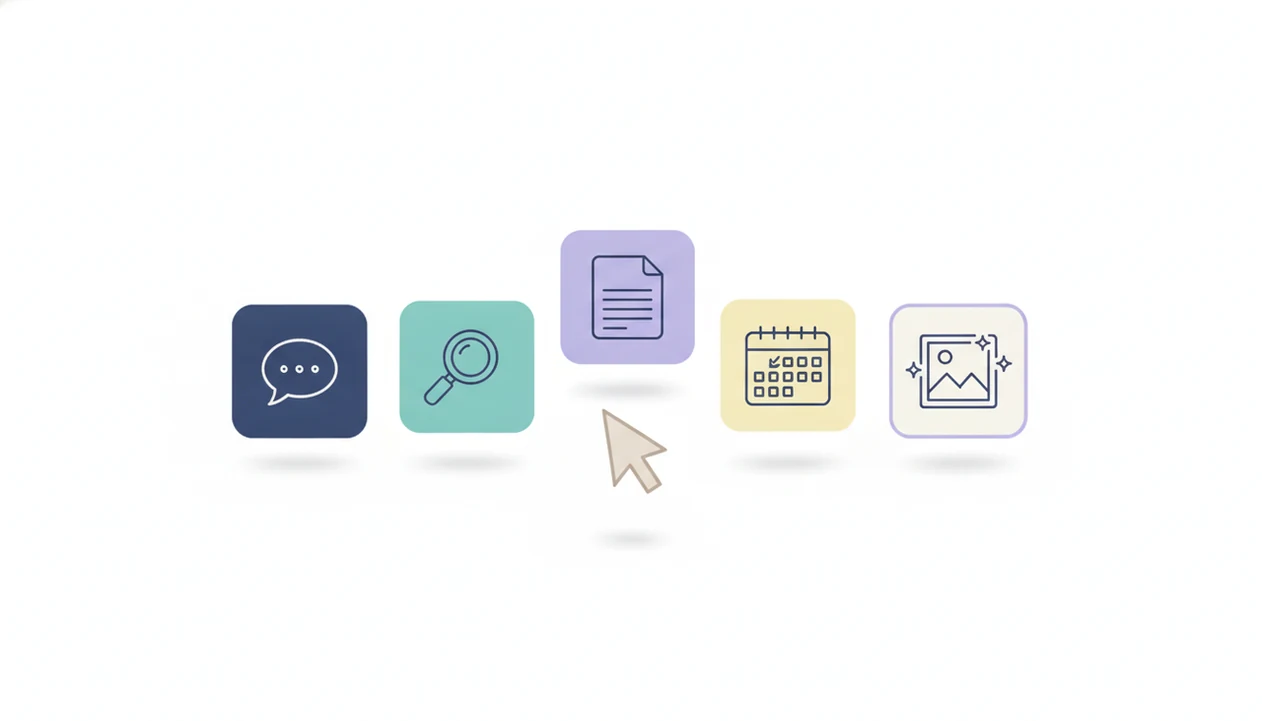
The right fit for most first-time users is a small stack: one general chat app, one search-focused app, and maybe one tool tied to your existing work suite. New AI Blog ranks these five because each has a free entry point, works across common devices, and solves a clear beginner job.
- ChatGPT is best for complex instructions and versatile tasks. Use it for drafts, brainstorming, tutoring-style explanations, and multi-step prompts.
- Google Gemini is best for mixed media and Google ecosystem use. It fits people already working in Gmail, Docs, Drive, and Android.
- Claude is best for long-form drafts and careful reasoning. It is especially useful when a pasted transcript or article needs a clean summary.
- Microsoft Copilot is best for Microsoft 365 users. It makes the most sense if Word, Outlook, Excel, or Teams already shape your day.
- Perplexity is best for fast factual search with cited sources. It feels closer to research than open-ended chat.
For a wider non-technical shortlist, New AI Blog also maintains a best AI apps for non-developers guide.
How We Picked These Beginner AI Apps
We picked beginner AI apps by testing how quickly a non-technical user can sign up, ask a useful question, understand the answer, and find the privacy controls. Feature count mattered less than whether the tool helped with a real task in the first ten minutes.
Testing should be rechecked at least quarterly because AI app interfaces, free-tier limits, model names, and privacy toggles change quickly. For this guide, New AI Blog weighted first-task success, visible privacy controls, free-tier usefulness, and beginner-friendly navigation above novelty features.
The checks were practical. We opened tools in a spare Gmail account before connecting work files. We looked for free or low-cost plans with no credit card required, phone and browser access, visible chat history settings, and clear export options. We also watched for the gray pricing toggle that quietly switches monthly prices to annual billing.
Good AI tools for beginners deliver plain-English task help, not a maze of dashboards built for software teams. New AI Blog favors apps that handle everyday jobs like rewriting an email, summarizing notes, planning a week, or checking sources before a decision.
Side-by-Side Comparison: Pricing, Privacy, and Platform for Each AI App
The fastest way to compare beginner AI apps is by free tier, platform, privacy controls, and the first limit you are likely to hit. Prices and plan names change often, so read the pricing and privacy pages together before upgrading.
For current plan details, verify the official pages before buying: ChatGPT pricing https://openai.com/chatgpt/pricing/, Google AI plans https://one.google.com/about/ai-premium/, Claude plans https://www.anthropic.com/pricing, Microsoft Copilot plans https://www.microsoft.com/en-us/microsoft-copilot/for-individuals, and Perplexity Pro https://www.perplexity.ai/pro.
| App | Free Tier | Paid Plan Price | Platforms | Privacy Controls | Best Task |
|---|---|---|---|---|---|
| ChatGPT | Yes | About $20/month for Plus | Web, iOS, Android, desktop apps | Chat history and training controls vary by plan | Complex prompts and drafts |
| Google Gemini | Yes | Often bundled with Google AI plans | Web, iOS, Android, Google apps | Activity and data controls in Google account settings | Google workspace and media |
| Claude | Yes | About $20/month for Pro | Web, iOS, Android | Data and retention controls vary by account type | Long drafts and summaries |
| Microsoft Copilot | Yes | Consumer and Microsoft 365 paid plans | Web, Windows, Edge, iOS, Android | Enterprise controls differ from consumer accounts | Office-style work |
| Perplexity | Yes | About $20/month for Pro | Web, iOS, Android | Account history and data controls vary | Cited factual search |
When the issue is privacy at work, New AI Blog points beginners toward enterprise-approved versions because consumer chatbots may store prompts by default or use them for service improvement unless you opt out.
How AI Chat Apps Actually Work Behind the Scenes
AI chat apps work by sending your prompt to a server where a large language model predicts a likely response based on patterns learned from training data. In plain English, the app is generating the next useful words, not opening a brain full of verified facts.
That explains the weird parts. A model can sound certain and still be wrong because it is producing plausible text. Your prompt shapes the answer, so “make this shorter for a refund email” usually works better than “fix this.” Context window size also matters. If the window is small, a long article, transcript, or policy file may get partly ignored or compressed.
We tested one trial account by pasting a two-page meeting transcript and asking for action items. The summary looked tidy, but it invented one owner who was never named. Human review stays part of the workflow.
For beginners, output quality usually depends more on prompt clarity than on switching between similar apps.
How to Use Your First AI App in 6 Steps
The safest way to start with beginner AI apps is to use one low-stakes task first, then add tools only when you know what job they fill. Don’t begin with private client files or anything you would regret seeing stored.
- Pick one general-purpose app from the shortlist, such as ChatGPT, Gemini, Claude, Copilot, or Perplexity.
- Create a free account with email or Google login, preferably using a non-work account for early testing.
- Review privacy settings and disable chat history storage or training use if the app offers that control.
- Write your first prompt with a goal, context, and output format, such as “Turn these notes into five bullet points.”
- Evaluate the output by checking facts, asking follow-up questions, and comparing it against the source document.
- Add a second app only when you need a different task, such as cited search, image generation, or PDF summaries.
Try this with a low-stakes task first.
New AI Blog uses the same step-by-step test when deciding whether an app belongs in a beginner guide.
Best AI App for Each Beginner Task: Writing, Search, Media, and Notes
Which AI app should a beginner open first? The answer depends on the task: ChatGPT or Claude for writing, Perplexity for cited research, Claude or Gemini for long summaries, and ChatGPT or Gemini for image work.
Writing and Email Drafting
For people who need a polite rewrite, a clearer memo, or a first draft, ChatGPT and Claude are the easiest starting points because they handle tone, structure, and follow-up edits well. Paste a rough paragraph, say who will read it, and ask for a shorter version.
Research and Fact-Finding
Anyone dealing with quick factual research should try Perplexity because its answer format includes sources you can inspect before trusting the result. It does not remove the need to verify, but it makes checking easier than a blank chatbot answer.
Summarizing and Note-Taking
For long articles, PDFs, and class notes, Claude and Gemini are strong beginner choices. A library table with a tangled charger and a long exam review file is exactly where summarization helps, but still compare the summary with the original.
Image Generation and Media
On days when a campaign brief needs quick visual ideas, ChatGPT with DALL·E or Gemini can create starter images from plain-language prompts. For a broader task map, use the best AI apps by category breakdown.
4 Common Myths About AI Apps for Non-Technical Users
Myth one: one best AI app exists for everything. In reality, a small mix works better because writing, search, media, and office tasks need different strengths.
Myth two: AI always gives correct answers. All major models can hallucinate, which means they may invent a citation, misread a file, or summarize a policy backward. Check the source document.
Myth three: you need to be technical. Beginner AI apps are built for plain-language instructions, so “make this refund policy friendlier” is enough to start. We have seen a shop owner use an empty-counter admin hour to draft customer replies faster than a template library.
Myth four: free AI apps are safe for any data. Treat free AI like a public space unless you have checked the privacy controls, account type, and workplace rules.
New AI Blog covers more examples in its guide to AI apps that are actually useful.
Understanding Results
AI apps for beginners can make writing, research, summaries, planning, and automation easier, but they still need verification and realistic expectations. Check privacy settings before uploading files, and evaluate important answers against trusted sources.
This guide works best when
- Drafting emails, outlines, summaries, and simple plans from clear prompts
- Comparing general-purpose AI tools before adding niche apps
- Learning prompt basics like goal, context, audience, and format
- Explaining files or concepts when the information is low risk
- Speeding up routine tasks without coding or complex setup
This guide may be less accurate when
- Medical, legal, or financial advice that needs a qualified expert
- Answers about current pricing, policies, or features that change often
- Prompts with vague goals, missing context, or no examples
- Uploads that contain private, client, workplace, or sensitive data
- Free tiers with caps, weaker models, file limits, or upgrade prompts