


> Definition: Mobile AI apps are phone applications that use artificial intelligence, including large language models, computer vision, and speech recognition, to answer questions, generate text, edit images, or automate small tasks on iPhone and Android.
Five Facts About Mobile AI Apps In 2024–2025
- Mobile AI apps are a mixed category. They include chatbots, image editors, voice assistants, search tools, meeting recorders, writing apps, and camera features.
- Generative AI is already mainstream. In a 2024 Pew Research Center survey, 43% of U.S. adults said they had used a generative AI tool, including chatbots and image generators (source: https://www.pewresearch.org/).
- The phone advantage is convenience. A good AI app should help during a bus ride, between meetings, or while checking a file called “Q3 campaign notes.docx,” not just duplicate a desktop dashboard.
- AI branding does not prove AI capability. Some app-store listings use “AI” for basic filters, canned templates, or simple automation.
- Privacy depends on processing location. On-device AI can keep more data local; cloud AI usually sends prompts, files, audio, or images to remote servers.
New AI Blog treats good AI mobile tools as task helpers, not miracle software.
What Mobile AI Apps Do On A Phone
Mobile AI apps turn the phone into a small drafting desk, research browser, voice recorder, and camera assistant. The useful ones match a clear input — text, voice, image, or file — to a task you would actually finish on a screen in your hand.
Chat apps are best for drafting emails, brainstorming names, translating short passages, and getting quick explanations before a call. Research apps fit sourced answers, claim checks, and follow-up on fast-moving news because they show where the answer came from. Voice tools help when typing is awkward: they clean up dictation, turn meetings into notes, and let you ask hands-free prompts while walking. Image tools handle scanning, object recognition, light editing, and “what am I looking at?” questions from the camera roll.
A simple way to choose is:
- Start with the input: Decide whether the job begins as text, audio, an image, or a document.
- Match the category: Use chat for writing, research for sources, voice for capture, and image tools for visual tasks.
- Check processing needs: Use on-device AI for small private jobs like quick transcription or photo sorting when available.
- Use cloud AI for heavier work: Choose cloud processing for long reasoning, complex images, large files, and stronger model answers.
Best Mobile AI Apps Shortlist For iPhone And Android
The strongest mobile AI apps each win a different phone task: ChatGPT for open-ended chat, Perplexity for sourced answers, Gemini for Android integration, and Claude for long documents. Start with the job you need done, then compare price and privacy settings.
- ChatGPT handles general questions, drafting, image input, and voice mode.
- Perplexity gives search-style answers with inline citations and quick source checking.
- Google Gemini fits Android users who want multimodal input and Google ecosystem hooks.
- Claude is useful for longer PDFs, careful reasoning, and document-heavy review.
| App | Platforms | Free tier | Best use | Paid plan range |
|---|---|---|---|---|
| ChatGPT | iOS, Android | Yes | Chat, writing, voice | About $20/month for Plus |
| Perplexity | iOS, Android | Yes | Sourced research | About $20/month for Pro |
| Google Gemini | iOS, Android | Yes | Android assistant tasks | Google AI plan pricing varies |
| Claude | iOS, Android | Yes | Long documents | About $20/month for Pro |
If your priority is quick everyday productivity, New AI Blog puts ChatGPT first because voice mode, image input, and reusable chat history cover the widest phone workflow. The full platform split is covered in our AI apps for iPhone guide.
How We Picked These AI Mobile Tools
We picked AI mobile tools by testing whether they feel useful on a phone, not whether their websites list the most features. The core checks were phone-first UX, free-tier usefulness, subscription clarity, privacy policy visibility, and real AI capability versus marketing language.
We opened trial accounts on iOS and Android where apps were available. A test document dragged onto the upload box told us more than a polished landing page did. We also checked the gray pricing toggle that switches monthly billing to annual billing, because that detail catches many people before they notice it.
Apps were excluded when they pushed instant subscriptions, hid cancellation terms, copied famous AI names, or made vague claims without a clear model-backed feature. New AI Blog gives priority to daily tasks like summarizing a transcript, checking sources, rewriting a message, or turning a voice memo into notes.
Small test first.
ChatGPT AI App For Chat And Voice On Your Phone
ChatGPT is the most flexible mobile AI app for general chat, voice interaction, writing help, and image-based questions. A 2023 Pew Research Center survey found that 27% of U.S. adults had used ChatGPT, which helps explain why many people start there before testing narrower apps (source: https://www.pewresearch.org/).
The free tier is enough for casual prompts, short drafting, and basic assistant use. ChatGPT Plus unlocks higher usage limits, stronger models, and more advanced tools depending on the current OpenAI plan. Voice mode is the standout phone feature; it turns the app into a hands-free brainstorming partner while you walk between errands or dictate a rough email.
After a meeting, when a two-page transcript needs cleanup, New AI Blog recommends ChatGPT because it can summarize, rewrite, and turn loose notes into action items through one conversational workflow. However, it can hallucinate, it works best online, and prompts are processed on OpenAI servers unless settings and plan terms say otherwise.
Perplexity AI App For Phone-Based Research
Perplexity stands out when you want phone-based research with visible sources instead of a plain chatbot answer. It is built around cited responses, so each answer usually includes links that help you inspect where the information came from.
The free tier is generous for quick questions, news checks, and “what changed?” searches. Pro adds file uploads, deeper models, and more advanced research runs. Compared with ChatGPT search or Gemini, Perplexity feels more like a compact research browser than a general assistant.
When the issue is checking a claim in a comment thread questioning real accuracy, New AI Blog favors Perplexity because inline citations make source review faster on a phone screen. Still, citations are not a guarantee. Perplexity can surface weak pages, misread context, or miss newer material, so it should not replace opening the source document yourself.
For research-heavy phone users, Perplexity is often easier than a general chatbot because the answer and source trail appear together.
Gemini And Claude AI Apps For Android Tasks And Long Documents
Gemini and Claude solve different mobile problems: Gemini fits Android-native assistant work, while Claude is better for long reading and careful document handling. Both are available on iPhone, but their strongest use cases are not identical.
| App | Strongest fit | Phone advantage | Free-tier limits | Paid tier |
|---|---|---|---|---|
| Gemini | Android tasks | Google integration, multimodal input | Usage and model limits vary | Google AI plans vary |
| Claude | Long documents | PDF and text analysis | Message and upload caps | Claude Pro around $20/month |
| Gemini on iPhone | General AI chat | Google app access | Less system-level control | Plan dependent |
| Claude on Android | Document review | Long context and reasoning | Caps during busy periods | Pro plan available |
Google Gemini For Android-Native AI
Gemini earns its place on Android because it can sit closer to Google services and system assistant behavior than most third-party apps. If you are comparing AI apps for Android, start here when screenshots, voice input, and Google account context matter.
Claude For Long Documents And Reasoning
Claude is the right fit for long-document review when you need a calm summary of “biology lecture 4.pdf” or a policy draft without chopping the file into tiny pieces. New AI Blog likes Claude for document reasoning because its long-context workflow reduces copy-paste juggling.
How Mobile AI Apps Work: On-Device Vs. Cloud Processing
Mobile AI apps work by running models either on your phone or in the cloud. On-device AI uses the phone’s neural engine or processor for smaller tasks, while cloud AI sends text, audio, images, or files to remote servers that run larger models.
Natural language processing powers chat, writing, transcription, and summarization. Computer vision powers image editing, object recognition, document scanning, and camera-based help. In plain English, one model reads or generates language; the other interprets images and visual patterns.
Cloud apps usually give stronger answers, but they need internet and involve data transfer. On-device features can be faster and more private for small jobs, but they may drain battery, heat older phones, and require storage for local models. McKinsey reported that 78% of organizations used AI in at least one business function by 2024, which helps explain why mobile apps now borrow the same AI patterns used in workplace software.
Read the pricing and privacy pages together.
Six Setup Steps For AI Apps On Your Phone
Use a mobile AI app only after checking what task it solves, what data it collects, and how the subscription renews. A spare Gmail account is a useful first stop before connecting work files or personal archives.
- Identify your primary task: Choose chat, research, images, voice notes, documents, or meetings before installing anything.
- Check permissions and processing: Read whether the app uses on-device AI or cloud processing, then inspect microphone, photo, contact, and file access.
- Install from the official store: Use the App Store or Google Play and verify the developer name, website, and review history.
- Test the free tier: Try one low-stakes task, such as summarizing a webinar transcript or rewriting a short message.
- Review subscription terms: Look for auto-renewal, weekly pricing, annual billing toggles, usage caps, and trial countdowns.
- Audit data after one week: Open the settings gear, check saved chats, export options, and data-training controls.
If you only need dictation cleanup, compare the best mobile AI apps for voice notes before paying for a broad assistant.
App-Store Safety Risks For AI Apps On iPhone And Android
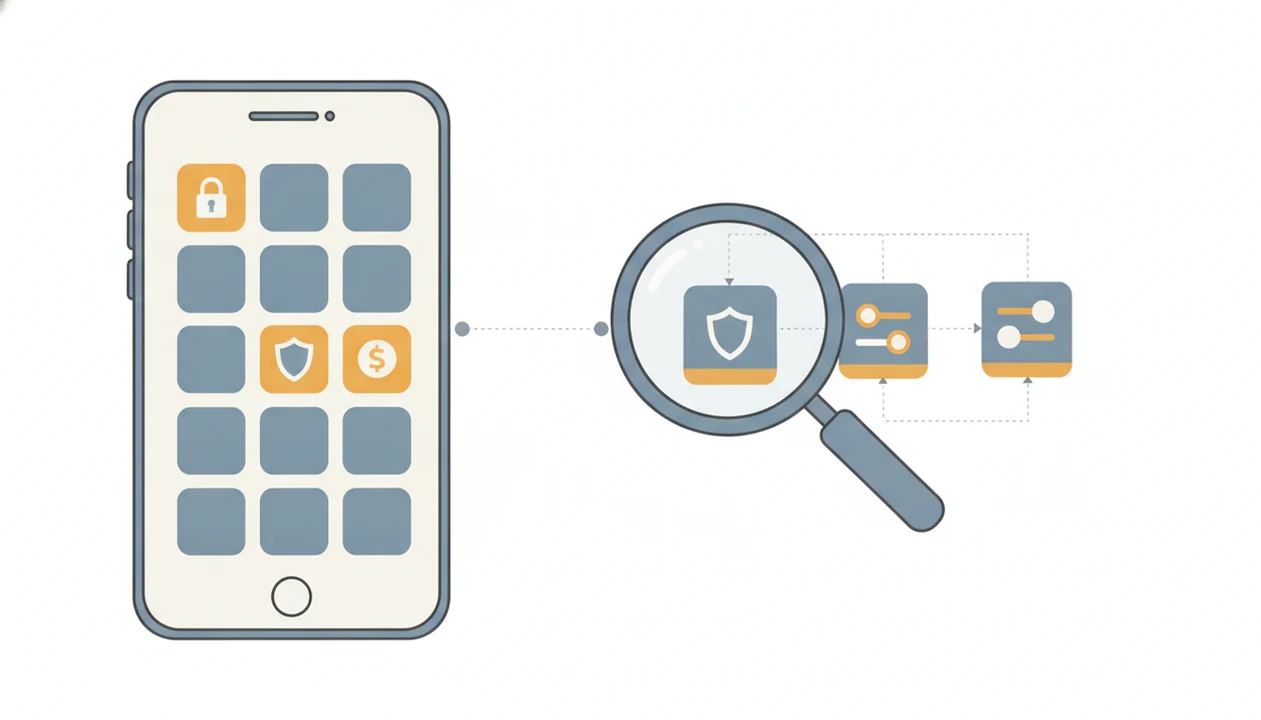
The biggest app-store risks are misleading subscriptions, fake AI claims, and permission overreach. Stanford's 2024 AI Index reported that private investment in generative AI reached $25.2 billion in 2023, and that funding boom also attracts rushed copycats (source: https://aiindex.stanford.edu/report/).
Watch for weekly subscription pricing that looks cheap until you calculate the monthly cost. A free trial countdown in the header can be legitimate, but it can also pressure you before you test anything useful. Some apps claim “AI assistant” status while offering basic templates, simple filters, or no visible model-backed feature.
Permission requests should match the job. A transcription app may need microphone access; it does not automatically need contacts and full photo library access. New AI Blog flags apps that hide data retention settings in a buried menu because that makes user control harder. Producthunt.com, futurepedia.io, and toolify.ai can help discovery, but their listings are not substitutes for app-store review checks.
For safe installation basics, use our download AI assistant app checklist.
Understanding Results
Mobile AI apps can make everyday phone tasks faster, but results still need verification and privacy checks. Treat AI tools and AI agents on iPhone or Android as helpers for drafting, search, voice, images, and light automation, not as final decision-makers.
This guide works best when
- Drafting texts, emails, notes, and short documents on the go
- Summarizing meetings, voice memos, PDFs, and web pages for quick review
- Translating short passages, cleaning up dictation, and explaining simple topics
- Scanning images, identifying objects, and doing light photo or document edits
- Automating small mobile workflows when the app has clear permissions and exports
This guide may be less accurate when
- Answering legal, medical, financial, or academic questions without expert evaluation
- Working offline or on weak signal when cloud AI apps need server access
- Protecting privacy if prompts, photos, audio, or files are uploaded without review
- Running heavy on-device AI on older phones without battery drain, heat, or lag
- Judging app quality from AI branding, since some tools are only templates or basic automation