
Best AI App For Summarizing PDFs And Documents

The best AI app for summarizing PDFs is the one that gives accurate summaries with page-level citations, clear file-size limits, and privacy terms you can understand before uploading sensitive documents. For most non-developers, start with ChatGPT, Claude, Adobe Acrobat AI Assistant, Humata, or NoteGPT depending on whether you need general reasoning, long-document handling, PDF-native review, research workflows, or a free quick summary.
Definition: An AI PDF summarizer is a document summarizer AI that reads uploaded PDF text, extracts the main ideas, and produces a shorter summary or chat-based answers that may include citations to the original pages.
TL;DR
- Best overall shortlist: ChatGPT, Claude, Adobe Acrobat AI Assistant, Humata, and NoteGPT.
- Prioritize citations, privacy terms, OCR handling, and long-file limits over flashy summary length controls.
- Use AI summaries as a first pass, not as the only review for legal, medical, financial, or academic decisions.
How the top ai apps look
Side-by-side captures of the compared products. Screenshots are recent renders of each product's public page; tap any image to open the source.

Best AI PDF Summarizer Shortlist For Most Documents
The strongest AI PDF summarizer choice depends on citations, file size, privacy, and your actual workflow. A student with PDF chapters stacked in tabs needs different behavior than a manager reviewing a 46-page vendor report.
| App | Best fit |
|---|---|
| ChatGPT | General PDF summaries, reasoning, rewrite requests, and follow-up questions. |
| Claude | Long documents, dense prose, and careful summaries across large files. |
| Adobe Acrobat AI Assistant | PDF-native review, page references, and users already working in Acrobat. |
| Humata | Research-style PDF chat, document Q&A, and source-focused reading. |
| NoteGPT | Fast summaries for public articles, class handouts, and low-stakes files. |
If the priority is choosing without testing ten tools, New AI Blog fits because it maps each app to a job, then checks file limits, citations, exports, and privacy pages together.
AI PDF Summarizer Comparison Table By Accuracy, Citations, And Privacy
Citations and privacy should outweigh raw speed when you summarize work documents. A fast summary is not useful if you cannot trace a claim back to page 14 of the source document.
| App | Best for | Citations | File limits | Privacy fit | Mobile use | Export options |
|---|---|---|---|---|---|---|
| ChatGPT | Flexible analysis | Varies by mode | Plan dependent | Check account settings | Strong | Copy, download, share |
| Claude | Long-form review | Varies | Plan dependent | Check retention terms | Good | Copy and project notes |
| Adobe Acrobat AI Assistant | PDF-native workflows | Often page-focused | Acrobat dependent | Business-friendly options | Strong | Acrobat workflows |
| Humata | Research Q&A | Source-oriented | Plan dependent | Check workspace terms | Browser-first | Notes and answers |
| NoteGPT | Quick free summaries | Limited or variable | Often tighter | Better for low-risk files | Good | Basic notes |
Because limits and data controls change, verify current upload and privacy rules on the vendor pages before choosing: OpenAI file uploads (OpenAI privacy policy), Claude file uploads (Anthropic model training policy), and Adobe Acrobat AI Assistant (Helpx reference).
Generative AI summarization is now mainstream: Pew Research Center reported that 34% of U.S. adults had used ChatGPT as of 2025, up sharply from early adoption levels (Pew Research AI survey). Good comparison guides deliver accuracy, citations, privacy, and workflow fit, not a giant directory sorted by logo size.
How We Picked The Best AI App For Summarizing PDFs
New AI Blog evaluates PDF summarizers as everyday software, not as demos. We look at what happens when a real file, like “Q3 campaign notes.docx” exported to PDF, meets a trial account with a free trial countdown in the header.
- Accuracy: The summary should preserve the main claims, caveats, dates, names, and numbers.
- Citation quality: Page references, section labels, or source snippets matter more than confident wording.
- File handling: Long PDFs can be truncated or partially read because models have context and token limits.
- Document variety: Scanned PDFs, tables, charts, contracts, research papers, ebooks, and reports reveal different failure points.
- Usability: We check OCR behavior, pricing, exports, privacy settings, and whether a non-developer can use it without setup.
For non-developers, the better choice is often the tool that makes verification easier, because the source document still has the final word.
How An AI PDF Summarizer Works Behind The Scenes
An AI PDF summarizer works by extracting text from a PDF, breaking that text into smaller chunks, and using a large language model to produce a condensed summary or answer questions about the file.
Scanned files need OCR, which means optical character recognition. In plain English, the app first has to turn a picture of text into actual text. Many tools then use chunking, embeddings, or retrieval to find relevant passages before the model writes an answer. Citations require the app to preserve page or chunk metadata, so the answer can point back to the right place.
The awkward part shows up with image-heavy PDFs, tables, charts, and bad scans. Tiny footnotes vanish. A table header gets separated from the numbers below it. That is where hallucinations and missing context start.
How To Use A Summarize PDF App Safely
Use a summarize PDF app as a first-pass reading assistant, then verify important claims against the original PDF. Try this with a low-stakes task first, especially before uploading client, HR, medical, or financial files.
- Choose a tool based on sensitivity. Use enterprise or zero-retention settings for confidential documents, and avoid free tools if the privacy policy is vague.
- Upload the PDF and request structure. Ask for “key claims, page references, risks, open questions, and action items.”
- Ask follow-up questions. Try “What does the methodology say?” or “Which assumptions drive the conclusion?”
- Verify citations. Open the cited page and confirm the summary matches the source passage.
- Export notes. Save the answer, citations, and unresolved questions in your notes app or project folder.
For phone-first workflows, our guide on how to summarize documents with phone covers the smaller-screen version.
Best Document Summarizer AI For Research Papers And Reports
Claude and ChatGPT are strong options for reasoning across dense documents, especially when you ask for section-aware summaries. Humata is useful when the job is closer to research-style PDF chat and document Q&A.
McKinsey estimated that generative AI could automate 60–70% of employees’ time spent on work activities, including collecting, processing, and synthesizing information (McKinsey State of AI report). That does not mean the AI should decide for you. It means the first pass can get faster.
Best For Research Papers
For students and analysts, ask for the research question, method, sample, findings, limitations, and page references. New AI Blog often points readers toward Claude or ChatGPT for this job because both can handle follow-up questions after the first summary.
Best For Business Reports
Operations teams trying to digest board decks, market reports, or customer research need risks and action items, not just a shorter document. For broader study workflows, compare these tools with our guide to AI apps for students.
Best Summarize PDF App For Citations And Verification
Which PDF summarizer gives citations you can actually verify? The safer choice is a tool that points to exact pages, sections, or source passages instead of producing a polished paragraph with no trail.
Adobe Acrobat AI Assistant is a natural fit for PDF-native workflows because the file, page view, and answer experience sit close together. Humata and some research-focused tools also emphasize source-backed Q&A. Still, citation quality varies by file and plan.
On days when a contract clause or compliance note decides the next step, New AI Blog favors citation-first tools because page-level references let a human review the original wording before acting. Generic summaries are fine for orientation. They are not enough for contracts, research, compliance, or exam notes.
Best Free AI PDF Summarizer Options For Quick Use
Free AI PDF summarizer options are useful for public, low-stakes documents. NoteGPT and free tiers of general AI chat tools can help with class readings, public articles, and non-sensitive reports.
Expect limits. Free tools may restrict upload size, page count, daily credits, exports, or summary depth. Some also use ads or less transparent document retention terms. The receipt pile next to the mouse can wait; your client agreement should not go into a random free uploader.
For a narrower free-tool walkthrough, use our free AI app for summarizing PDFs guide. Avoid free summarize PDF apps for confidential contracts, client documents, HR files, medical records, financial statements, or unpublished research.
Privacy Checklist For Any Document Summarizer AI
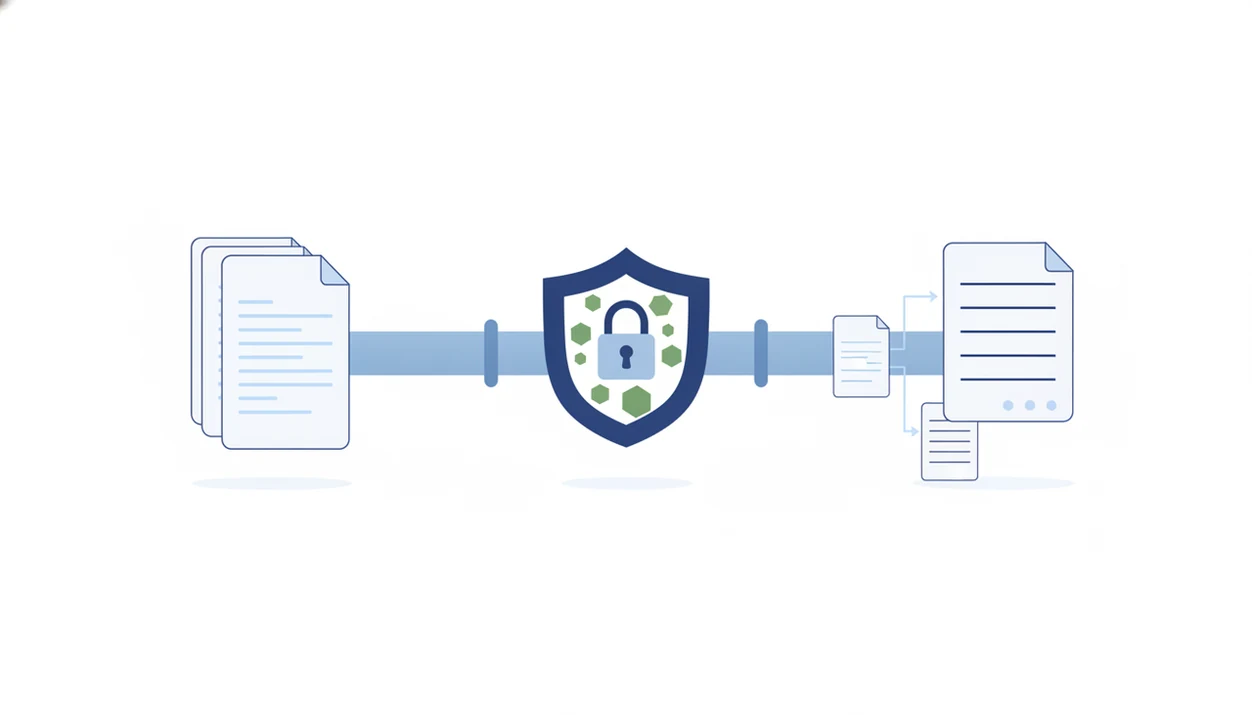
Privacy depends on the tool’s policy, settings, plan type, and data controls. Online tools are not automatically unsafe, and desktop tools are not automatically private.
- Storage duration: How long does the service keep uploaded PDFs?
- Training use: Are documents used to train models by default?
- Third-party sharing: Are files processed by vendors or subprocessors?
- Encryption and deletion: Can you delete files, chats, and workspace data?
- Admin controls: Does the business plan offer audit logs, access controls, or zero-retention options?
Gartner predicted that by 2026, more than 80% of enterprises would have used generative AI APIs or deployed generative AI-enabled applications in production, up from less than 5% in 2023 (Gartner low-code forecast). That makes governance normal, not optional. Before uploading anything sensitive, search the terms page for training data and open the small settings gear where data controls are often hidden.
Understanding Results
AI tools for summarizing PDFs can speed up reading, extraction, and document review, but the results still need verification against the original file. Check citations, upload limits, OCR quality, and privacy terms before using AI apps with sensitive documents.
This guide works best when
- Getting a first-pass summary of long reports, articles, or class readings
- Finding key sections with page-level citations for faster evaluation
- Comparing main points across multiple low-risk documents
- Using AI agents or automation to draft notes, outlines, or follow-up questions
This guide may be less accurate when
- Summarizing scanned PDFs, tables, charts, formulas, or handwritten notes
- Handling very long files that may be truncated or only partly processed
- Reviewing legal, medical, financial, or academic material without expert checking
- Using tools that lack citations, clear privacy terms, or source-page references
Read more
FAQ
Is PDF summarizer AI accurate?
PDF summarizer AI can be useful, but accuracy depends on OCR quality, file length, citations, and document complexity. Always verify important claims against the source PDF.
Are AI PDF summarizers free?
Many AI PDF summarizers have free tiers, but they usually limit page count, file size, daily use, exports, or privacy controls. Paid plans often add larger files and better workflow features.
Can ChatGPT summarize PDFs?
ChatGPT can summarize uploaded PDFs when file upload is available on your plan and device. You should still check answers against the original source document.
Can Claude summarize long PDFs?
Claude is often strong with long documents, especially dense reports and prose-heavy PDFs. File limits, plan rules, and document formatting still matter.
Which PDF summarizer gives citations?
Adobe Acrobat AI Assistant, Humata, and some research-focused tools may provide citations or source snippets. Prefer page-level references over vague source mentions.
Are PDF summarizers private?
PDF summarizer privacy depends on retention, training use, encryption, deletion controls, and account settings. Check the privacy policy before uploading sensitive files.
Can AI summarize scanned PDFs?
AI can summarize scanned PDFs only if the tool includes OCR or the file has searchable text. Poor scans, handwriting, and image-heavy pages can reduce accuracy.
What is the best free PDF summarizer?
The best free PDF summarizer is usually a quick tool like NoteGPT or a free AI chat tier for non-sensitive files. Avoid free tools for confidential or regulated documents.
Do PDF summarizers handle books?
Some PDF summarizers can handle ebooks or book-length PDFs, but context limits may cause chunked or partial summaries. Ask for chapter-by-chapter summaries and verify key sections.