
AI Automation Benefits for Small Teams
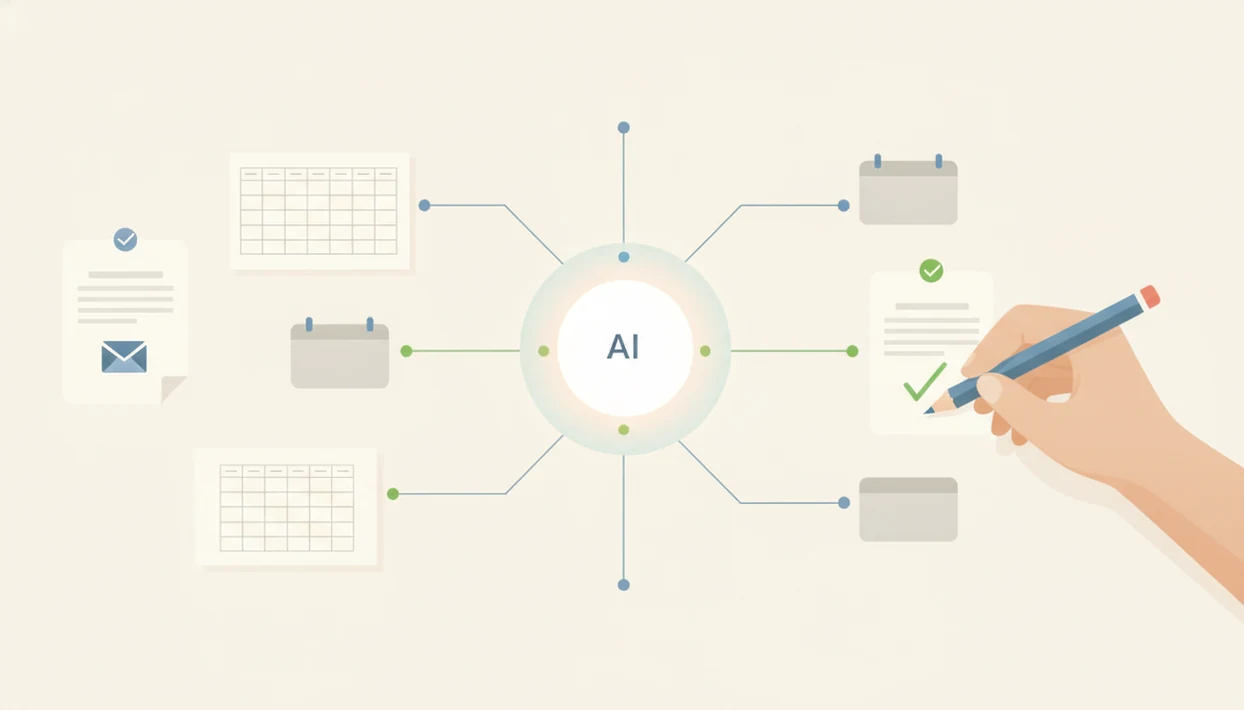
AI automation benefits are most practical when small teams use AI to speed up repeatable work while keeping humans in control of reviews, decisions, and exceptions. The biggest gains usually come from faster drafts, cleaner handoffs, fewer manual updates, and more consistent follow-up rather than fully autonomous agents.
> Definition: AI automation is the use of AI-enabled software to complete or assist repetitive, rules-based, or data-heavy workflow steps that would otherwise require manual human effort.
TL;DR
- The best benefits of AI automation come from narrow workflows such as document summaries, ticket routing, CRM updates, data entry, and follow-up reminders.
- Most small teams should treat AI as supervised automation, not a replacement for human judgment or a set-and-forget employee.
- Automation ROI depends on process quality, clean inputs, review checkpoints, adoption, and the hidden costs of setup and maintenance.
AI automation benefits small teams should expect first
AI automation benefits are the practical gains a team gets when software helps complete repeatable work faster, with fewer manual steps and clearer follow-through. For a small team, that usually means speed, consistency, less repetitive copying, cleaner handoffs, and better follow-up.
The first wins are often modest but useful. A support lead routes tickets faster. A sales rep gets a draft follow-up after a call. A founder gets a weekly spreadsheet summary without rebuilding the same report every Friday.
Not the whole job. The stuck step.
Small teams usually benefit more from targeted workflows than from trying to automate entire roles. McKinsey reported in 2023 that 50% of organizations had adopted AI in at least one business function, especially in service operations, product development, and marketing or sales McKinsey State of AI report. Tools like New AI Blog explain AI apps, agents, and tools for non-developers evaluating AI software, not fantasy org charts.
Five AI workflow benefits that create measurable value
AI workflow benefits create measurable value when each automation has a clear task, a review point, and a metric tied to time, quality, or response speed. Outputs should be reviewed before they are sent, filed, billed, or used for decisions.
- Faster throughput: AI can summarize calls or long email threads so a manager spends minutes reviewing instead of starting from a blank page.
- Fewer repetitive tasks: AI can extract invoice fields into a spreadsheet, reducing copy-and-paste work and manual rekeying.
- Better consistency: AI can draft replies from the same support policy, so customers get fewer mixed messages across agents.
- Stronger follow-up: AI can update a CRM after a demo and draft the next email before the lead goes cold.
- Better decision support: AI can classify tickets by urgency, then show a human which queue needs attention first.
For small teams, supervised AI automation is often easier to measure than broad “productivity” claims because the workflow has visible before-and-after data. McKinsey reported in 2020 that 27% of AI adopters attributed 20% or more of revenue to AI, showing that automation and analytics can connect to business impact when measured carefully McKinsey State of AI report.
AI automation workflow mechanics for everyday tools
AI automation works through a chain: trigger, input data, AI step, rule or routing step, human review, and system update. The trigger might be a form submission, a new inbox message, a CRM status change, a ticket, or a row added to a spreadsheet.
The AI step usually handles classification, extraction, summarization, drafting, or pattern recognition. In plain English, it reads or interprets messy information, then returns a structured answer that another tool can use. A deterministic rule says, “If status equals urgent, notify support.” A probabilistic AI output says, “This message appears urgent,” which means it needs guardrails.
That difference matters.
In one test pattern, a sample email is pasted into a chat window, the AI drafts a reply, and a no-code automation tool routes it to a review queue. Human-in-the-loop design is a reliability feature, not a weakness. If you are comparing connectors, the Zapier vs Make vs n8n decision usually comes down to control, cost, and how much logic your workflow needs.
Five steps to use AI automation benefits in a workflow
Use AI automation benefits by starting with one narrow workflow, adding review checkpoints, and measuring whether the process actually improves. Non-developers can often start with no-code platforms, forms, CRMs, ticketing tools, and shared spreadsheets.
- Choose a narrow, repeatable workflow, such as meeting summaries, lead follow-up, invoice extraction, or support triage.
- Map the inputs, outputs, tools, and owners, including where files like “Q3 campaign notes.docx” or customer tickets enter the process.
- Set rules, prompts, permissions, and review thresholds so the AI knows what to draft, suggest, route, or leave untouched.
- Test edge cases with sample data, then require human review before anything reaches a customer, database, or billing system.
- Measure time saved, error rates, cycle time, and user adoption after launch, not just on the first successful demo.
Try this with a low-stakes task first. A practical guide to how to build an AI workflow without coding can help teams move from idea to controlled pilot without hiring an engineer.
Best AI automation use cases for automation ROI
Automation ROI improves when a workflow has volume, repeatability, clear inputs, and measurable success criteria. It gets weaker when the work is ambiguous, high-stakes, or hard to judge after the fact.
| Workflow area | High-fit use case | Low-fit use case | ROI signal to watch |
|---|---|---|---|
| Documents | Extract fields from invoices or forms | Interpret unusual legal clauses | Fewer manual entry hours |
| Support | Triage tickets by topic and urgency | Resolve sensitive complaints alone | Faster first response |
| Sales | Draft follow-up after calls | Decide discount strategy alone | More timely CRM updates |
| Meetings | Summarize notes and action items | Replace manager judgment | Fewer missed handoffs |
| Data | Clean duplicate rows or labels | Infer unknown facts from weak data | Lower rework rate |
The gray pricing toggle matters here. Annual billing can make a tool look cheaper before you add integration, maintenance, review time, security review, and retraining. A simple ROI check is to compare monthly tool cost plus review time against the old workflow’s manual hours, rework, and delay cost. For teams still choosing the stack, AI automation tools for non-developers is the better starting point than buying the first agent demo that looks impressive.
Human-in-the-loop AI automation benefits for adoption
Human-in-the-loop AI automation is a workflow where AI drafts, classifies, or recommends while a person reviews key outputs. This approach reduces risk from hallucinations, wrong classifications, edge cases, and overconfident summaries.
Adoption also gets easier when people can see where they stay responsible. A 2026 Harvard Business School survey found that 94% of U.S. adults support current AI augmenting human work rather than replacing workers Hbs reference. The same survey found that support for automating occupations rose from 30% of jobs to 58% when people imagined more advanced AI capability, which shows how much trust depends on perceived ability.
Review queues, confidence thresholds, approval steps, and audit logs make the workflow less mysterious. They also give managers a place to inspect errors before they spread. For small teams, augmentation is a change-management advantage, not only a technical design choice.
Check the queue daily at first.
Common myths about the benefits of AI automation
The benefits of AI automation are real, but they are often oversold when teams confuse useful workflow support with full autonomy. A practical rollout starts by separating myths from operating reality.
| Myth | Reality |
|---|---|
| AI automation mainly means autonomous agents running whole departments. | Most value comes from constrained workflows, such as routing tickets, drafting replies, or extracting fields. |
| AI workflows run flawlessly after setup. | They need monitoring, tuning, exception handling, and occasional prompt or rule changes. |
| AI automation always replaces workers. | Many useful deployments augment existing roles by removing repetitive prep work or improving follow-up. |
| Every automated task creates instant ROI. | ROI depends on process quality, data quality, adoption, maintenance, and review cost. |
The progress spinner on a generated report can make the system feel more capable than it is. Read the output. Ask what source document it used. If the process already confuses the team, adding AI may speed up the confusion.
New AI Blog coverage should help non-developers compare AI apps, agents, automation tools, and practical guides in plain English, without pretending software can replace teams overnight.
AI workflow requirements before benefits show up
AI workflow benefits show up after the workflow has clean inputs, clear steps, proper tool access, defined permissions, ownership, and review criteria. Messy workflows should be simplified before AI is added.
Start by choosing one metric before launch. Good options include time to first response, manual hours saved, backlog size, rework rate, or the number of missed handoffs. If nobody owns the metric, nobody will know whether the automation helped.
Privacy boundaries need the same early attention. Check the settings page before you upload anything sensitive, especially customer records, employee details, contracts, screenshots, or private files. The small settings gear is often where data-training controls hide.
Document three things in plain language: what the AI may do, what it may suggest, and what always needs human approval. If the workflow touches weekly reporting, a focused guide on how to automate weekly reports with AI is easier than starting with a broad agent platform.
Common mistakes that reduce AI automation ROI
AI automation ROI drops when teams automate confusion instead of removing it. The most common failures are process, review, measurement, and maintenance problems, not magic-model problems.
- Simplify the workflow before adding AI, especially ownership, inputs, handoffs, and exception paths. If three people already disagree about who approves a customer update, automation will only move the disagreement faster.
- Keep human review on customer-facing, financial, legal, HR, or otherwise sensitive outputs. A draft email, invoice note, contract summary, or policy answer should not skip the person accountable for it.
- Measure operating results after launch, not demo applause. Track manual hours saved, errors reduced, cycle time, rework, and whether the team actually uses the workflow on a normal Tuesday.
- Budget for upkeep, including broken integrations, changed API fields, permission updates, model drift, prompt tuning, and occasional retraining or retesting.
- Use deterministic rules, dropdowns, templates, and required fields when the answer should be predictable. Vague prompts are useful for drafts and summaries, but rules are better when the workflow needs the same answer every time.
The quiet failure mode is a workflow that looks impressive once, then slowly becomes untrusted.
Understanding Results
AI tools and automation can help small teams remove repetitive work, speed up handoffs, and improve follow-up. The benefits are strongest when teams verify outputs, protect privacy, and set realistic expectations instead of treating AI agents as fully autonomous employees.
This guide works best when
- Drafting follow-ups, summaries, and routine updates for human review
- Routing tickets, leads, or tasks when rules and categories are clear
- Reducing manual data entry between CRM, email, forms, and spreadsheets
- Creating reminders and status reports from structured, trusted inputs
- Testing narrow AI apps before expanding automation across a workflow
This guide may be less accurate when
- Making high-stakes decisions without human evaluation
- Handling messy data, unclear ownership, or ad-hoc processes
- Estimating ROI without setup, review, maintenance, and training costs
- Using sensitive customer, employee, financial, or legal data without privacy checks
- Expecting AI agents to adapt reliably when goals, tools, or source data change
Read more
FAQ
What is AI automation?
AI automation uses AI-enabled software to assist or complete workflow steps such as summarizing, classifying, drafting, extracting, or routing information. It differs from ordinary rule-based automation because AI can interpret unstructured text, images, or patterns.
What are AI automation benefits?
AI automation benefits include faster work, more consistent outputs, reduced manual tasks, better follow-up, and stronger decision support. These benefits are most reliable when humans review important outputs.
Can AI automation save money?
AI automation can save money when the workflow is repetitive, measurable, and cheaper to automate than to handle manually. Review time, setup, maintenance, and tool costs should be included.
Does AI automation replace workers?
Practical AI automation usually augments workers rather than replacing them. People should remain responsible for important decisions, exceptions, and customer-sensitive actions.
Which tasks should AI automate?
Good candidates include summaries, ticket routing, data extraction, CRM updates, draft follow-ups, and recurring reports. A tool that can automate repetitive tasks is most useful when the process is narrow and repeatable.
Are AI agents reliable yet?
AI agents can help in controlled settings with clear tools, rules, and review points. They remain risky for unsupervised high-stakes or open-ended workflows.
How do you measure automation ROI?
Measure automation ROI by tracking time saved, error reduction, cycle time, throughput, review cost, maintenance cost, and adoption. Compare those numbers against the old process.
What are AI automation risks?
AI automation risks include hallucinations, privacy issues, bad data, brittle workflows, hidden costs, and employee trust concerns. New AI Blog and similar plain-English resources can help non-developers evaluate those tradeoffs before rollout.