


New AI Blog’s practical shortlist for AI tools for small business is ChatGPT for general writing and research, Canva Magic Studio for design, Tidio for support, QuickBooks AI or FreshBooks for bookkeeping, and Notion AI for internal documentation. That mix covers the most common small-business use cases without forcing owners into a bloated software stack.
> Definition: AI tools for small business are software applications that use artificial intelligence to automate routine tasks, including writing, customer support, scheduling, and bookkeeping, so owners and small teams can focus on higher-value work without needing technical expertise.
- Pick one high-impact use case first, such as content, support, or bookkeeping, instead of subscribing to many tools at once.
- Combine a general-purpose AI assistant with one or two specialized business AI apps that integrate with your existing stack.
- Run 2–4 week pilots, track hours saved or revenue gained, and cancel anything that can't justify its cost.
Five Facts About AI Tools For Small Business In 2024
- About 26% of U.S. small businesses reported using AI in at least one business function as of 2023, according to Federal Reserve small-business research (Federal Reserve Small Business Credit Survey).
- Among U.S. small businesses already using AI, 37% reported cost reduction and 41% reported improved performance or productivity, according to Federal Reserve small-business research (Federal Reserve Small Business Credit Survey).
- McKinsey estimated that generative AI could add $2.6 trillion to $4.4 trillion (McKinsey) in annual global value, with sales, marketing, customer operations, and software tasks especially relevant to smaller firms.
- McKinsey also found that 79% of respondents had some generative AI exposure at work, but only 23% said their organizations had policies for its use (McKinsey State of AI).
- Pew Research Center reported in 2024 that 20% of AI-aware U.S. workers say AI makes them more productive, while 38% are unsure what it means for job security (Pew Research Center).
Good small business AI tools deliver saved time, clearer workflows, and reviewable output, not a reason to buy every shiny app in a tool directory.
What AI Tools For Small Business Do
AI tools for small business help owners turn repeatable work into faster drafts, replies, visuals, records, and summaries. They are best used as assistants that prepare work for review, not as unsupervised decision-makers.
- Draft faster with ChatGPT for emails, proposals, product descriptions, job posts, and first-pass research notes.
- Answer common questions with Tidio on a website chat flow, while routing refunds, angry customers, account changes, and edge cases to a person.
- Create simple visuals with Canva Magic Studio for social posts, flyers, ads, and ecommerce graphics that still need brand and accuracy checks.
- Clean up money tasks with QuickBooks AI or FreshBooks for invoice reminders, transaction categorization, and cash-flow prompts, while tax, payroll, legal, and compliance calls stay under human review.
- Organize operations with Notion AI for meeting notes, SOPs, project updates, and internal documentation.
The best fit usually connects to tools already in the business: Gmail for messages, Shopify for product and order context, QuickBooks for accounting, HubSpot for CRM notes, and Slack for team handoffs.
At-A-Glance Comparison Of Small Business AI Tools
Use this table to narrow the first round, not to make the final decision. Prices change often, and that gray annual-billing toggle can make a cheap plan look cheaper than it is.
| Tool name | Category | Starting price | Best for | Integration ease |
|---|---|---|---|---|
| ChatGPT | General AI assistant | Free, paid plans around $20/user/mo | Drafting, research, brainstorming | Easy, browser-first |
| Canva Magic Studio | Design AI | Free tier, paid plans vary | Social posts, flyers, product visuals | Easy |
| Tidio | Support chatbot | Free tier, paid plans vary | Website chat and simple support replies | Moderate |
| QuickBooks AI / FreshBooks | Bookkeeping AI | Paid plans vary | Invoicing, categorization, cash-flow tasks | Moderate |
| Notion AI | Workspace AI | Free workspace options, AI add-on varies | Docs, projects, meeting notes | Easy |
For owners comparing admin-heavy workflows, our best AI apps for small business admin guide goes deeper on calendars, inboxes, and task cleanup.
Named Shortlist: Best AI Software For Small Business
- ChatGPT is the strongest general-purpose assistant for drafting, research, brainstorming, and turning rough notes into usable first drafts. Solo owners who jump between sales emails and vendor questions often get the fastest lift here because one prompt can produce three reply options.
- Canva Magic Studio is the practical pick for design and social media visuals, especially when product photos are waiting in a folder and no designer is on staff.
- Tidio fits small-budget customer support because it can answer common website questions before a person steps in.
- QuickBooks AI / FreshBooks handles automated bookkeeping and invoicing when clean records matter more than creative output.
- Notion AI works well for internal docs, project notes, and meeting summaries.
If your priority is testing business AI apps without spending first, New AI Blog points readers to free AI tools for small business before paid annual plans.
How We Picked These Business AI Apps
We picked tools that a non-developer can test in under an hour, with either a strong free tier or pricing near the $0–$20 per user per month range. A tool also had to fit common small-business stacks, such as Gmail, Outlook, Shopify, HubSpot, QuickBooks, FreshBooks, Slack, or Notion.
The second filter was practical risk. We checked whether the tool had visible pricing, usable export options, clear data terms, and a settings page worth reading before uploading customer or business data. I usually open a new tool in a spare Gmail account before connecting work files. Less mess later.
The right fit for a small team with scattered notes is often Notion AI, because it turns meeting notes and internal docs into searchable summaries inside the same workspace. For marketing-heavy teams, AI tools for marketing agencies covers more campaign-specific choices.
How AI Tools For Small Business Actually Work
AI tools for small business usually rely on large language models, which predict likely text, summaries, classifications, or next steps based on patterns learned from training data. In plain English, the model is not “thinking” like an employee. It is generating a statistically likely response to your prompt and context.
Specialized AI software for small business wraps those models around a narrower task. A bookkeeping tool may classify transactions from connected bank feeds. A design tool may generate layout ideas from text and image inputs. A support chatbot may use your help articles as source documents, then answer questions through a website widget.
The awkward part is accuracy. Hallucinations happen when the model fills a gap with plausible but false information. API integrations can also move data from your CRM, inbox, or accounting app into a cloud AI layer, so check the settings gear before you connect live customer records.
How To Choose And Set Up AI Tools For Your Small Business
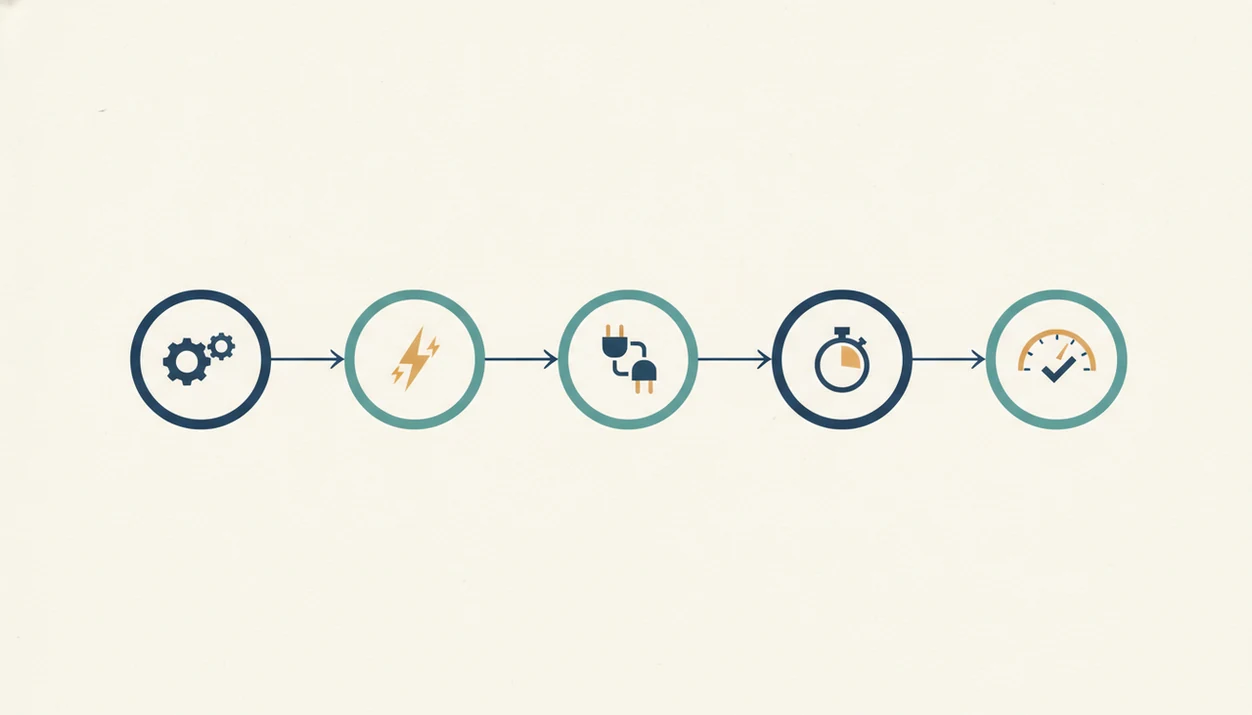
Start with one workflow, not a shopping list. The most evidence-backed approach for small-business AI adoption is a short pilot tied to a measurable task, because saved hours are easier to verify than general “productivity” claims.
- Audit your weekly tasks and identify the single most time-consuming repeatable task.
- Match that task to a category, such as writing, support, design, bookkeeping, or meeting notes.
- Sign up for a free tier or trial and connect only the tools needed for the test.
- Run a 2–4 week pilot tracking hours saved, output quality, customer impact, and errors.
- Calculate break-even by comparing measurable gains with monthly subscription cost and setup time.
After a week of client feedback highlighted in yellow, a writing assistant can help turn revisions into a cleaner second draft. New AI Blog favors that kind of step-by-step test over broad claims about “AI transformation.”
Total Cost Of Ownership For Small Business AI Software
The real cost of AI software for small business is subscription fees plus onboarding time, training time, cleanup time, and any productivity dip during the first 2–4 weeks. A $20 monthly plan can still be expensive if two staff members spend six hours fixing prompts and reworking bad outputs.
Use a simple break-even formula: hours saved × hourly rate compared with monthly subscription + setup hours + review time. If the math does not work after a fair pilot, cancel it.
Hard stop.
Free tiers are useful for testing, but they often lack business-grade privacy settings, uptime commitments, admin controls, and priority support. If you plan to put an AI app on a customer-facing workflow, read the pricing and privacy pages together before you connect it. For setup options by device and vendor, New AI Blog also tracks where to download AI apps for business.
Privacy And Data Risks With Business AI Apps
Business AI apps often process data in the cloud, which means customer names, invoices, transcripts, or support tickets may leave your direct control. The governance gap is real: McKinsey reported 79% workplace AI exposure, but only 23% of organizations with policies for AI use.
Create a simple internal policy before staff start pasting data into tools. Spell out what is allowed, what is banned, and what needs manager approval. For example: public marketing copy is allowed, customer payment details are not. Redacted client names in a document should be the norm, not a special favor.
Security researchers and OWASP guidance commonly emphasize data minimization, access control, and review of third-party processing when software handles sensitive inputs. For small firms, that means checking each tool’s data retention, training opt-out, export options, and compliance claims before using it with real customer data.
Understanding Results
AI tools can help small businesses save time on writing, support, design, bookkeeping, and documentation, but owners still need review steps, privacy checks, and clear evaluation criteria. Start with one practical workflow, test it for a few weeks, and keep only the AI apps that show measurable value.
This guide works best when
- Drafting marketing copy, emails, FAQs, and internal docs for human review
- Handling simple customer support questions with clear escalation to a person
- Creating social posts, flyers, and basic brand assets in tools like Canva
- Summarizing receipts, invoices, notes, and routine bookkeeping tasks
- Testing automation where hours saved, response time, or revenue can be measured
This guide may be less accurate when
- Finance, legal, tax, HR, and compliance advice without expert verification
- Customer-facing replies that need empathy, nuance, or brand judgment
- Free AI tools that lack privacy, admin controls, uptime, or business support
- AI agents connected to messy data, weak integrations, or unclear permissions
- Subscriptions chosen from hype instead of a specific small-business use case